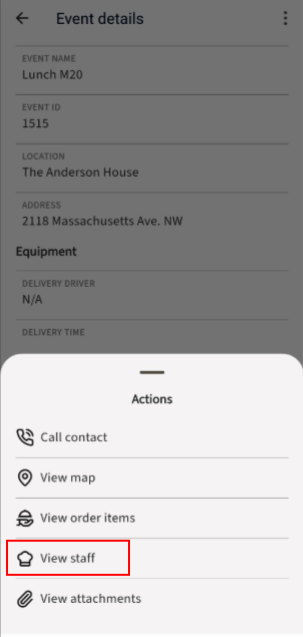
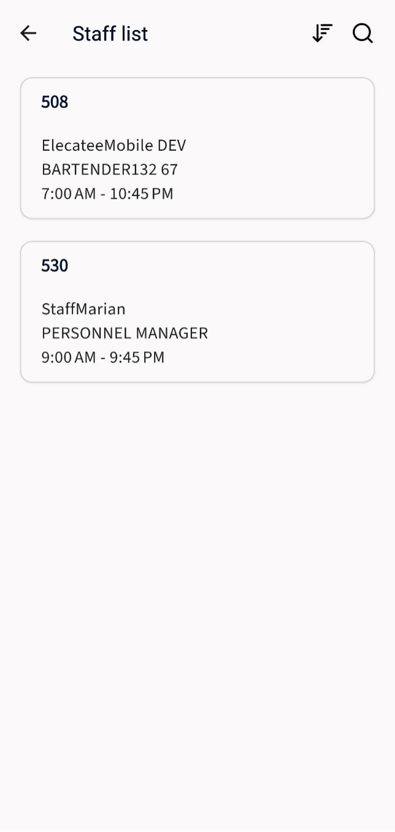
Clients can view the assigned staff for the event. How to do it:
- On the navigation bar, tap on the “Events” option.
- Tap on the event
- Tap on the Ellipse menu
- Select the “View staff” option
- Tap on the staff card.