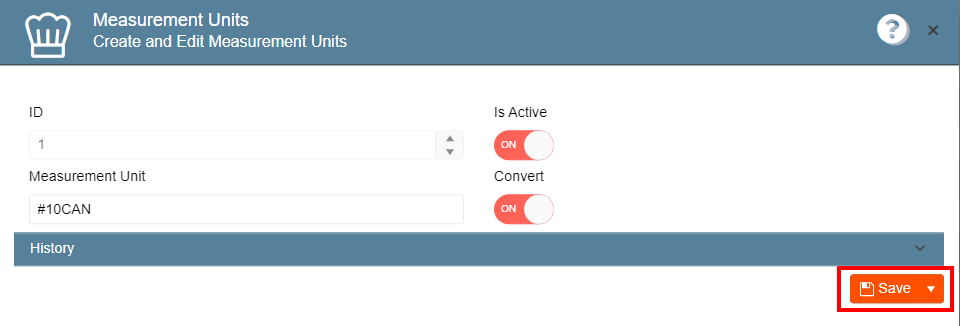
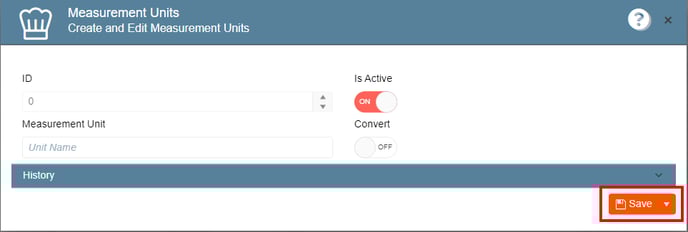
Here, you have the option to add or modify measurement units for recipes, such as scoop, bottle, and more.
To add a measurement unit:
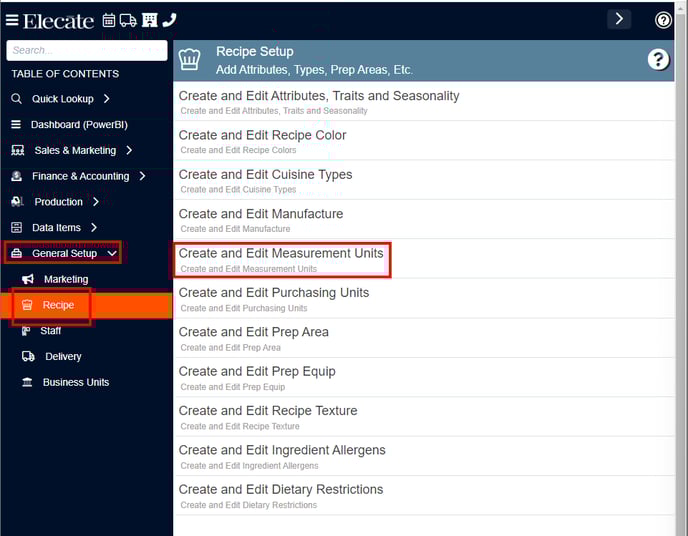
- Go to General Setup on the left side panel.
- Click Recipe.
- Click Create and Edit Measurement Units.
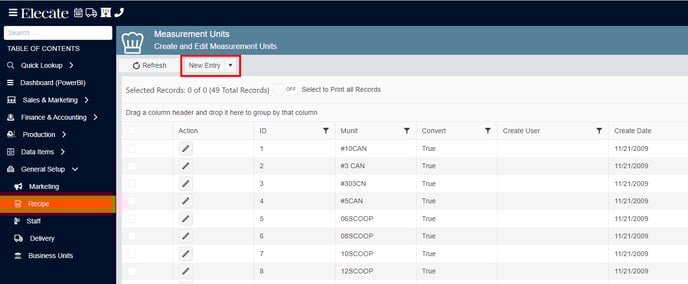
- Click New Entry.
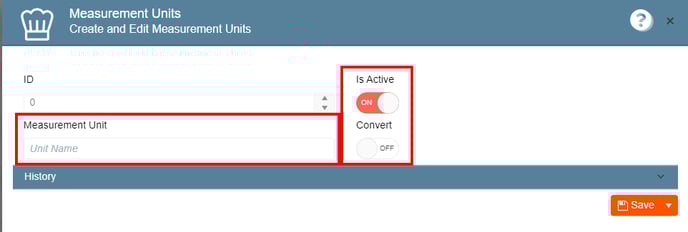
- Fill out the information.
- Click on Save.
To edit a measurement unit:
- Go to General Setup on the left side panel.
- Click Recipe.
- Click Create and Edit Measurement Units.
- Click the pencil icon on the Action column.

- Edit the desired information, once finished click on Save.