- Go to Data Items on the left side panel.
- Click Equipment Management in the drop-down list.
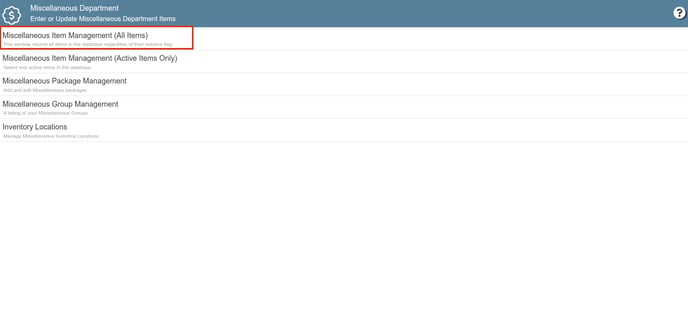
- Click on Equipment Management (All Items).
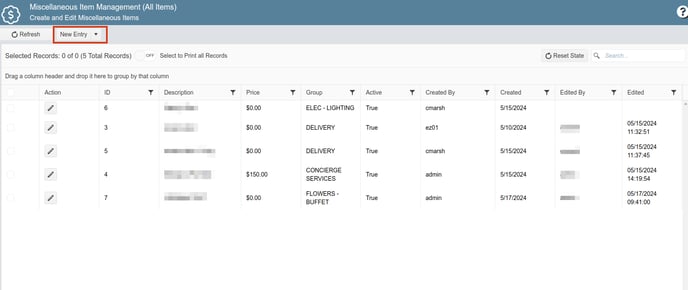
- Click on the New Entry button.
- Fill in all required fields in the Name, Groups & Display Rules section with the equipment details.
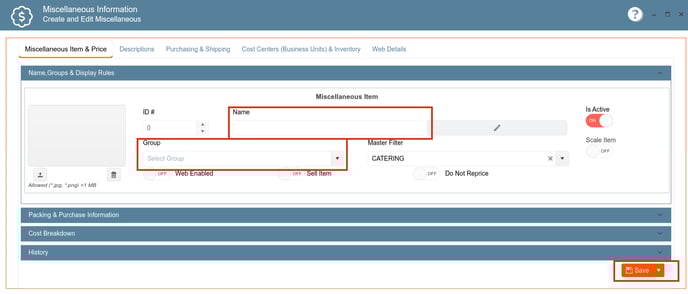
- Click the Save button to store the details and add the equipment to the database.
English
