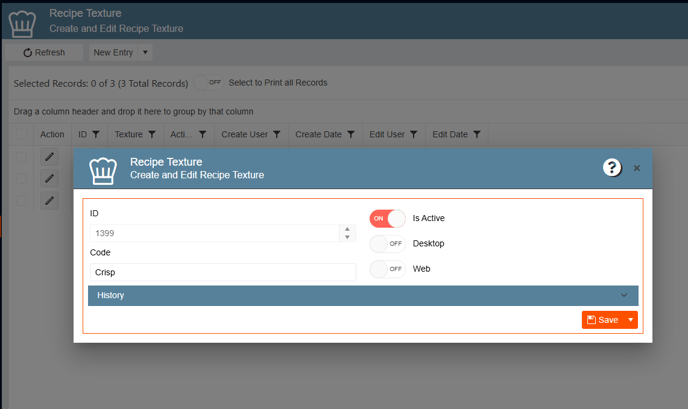
To create or edit a recipe color follow these steps:
- On the side bar go to General Setup
- Go to Recipe
- Select Create and Edit Recipe Texture
- To add a new texture, click on New Entry
- To edit an existing texture, click on the pencil icon or double click on the color row.
- Fill out or change the code name.
- Use the toggle Is Active to activate/inactivate the color.
- Click Save.