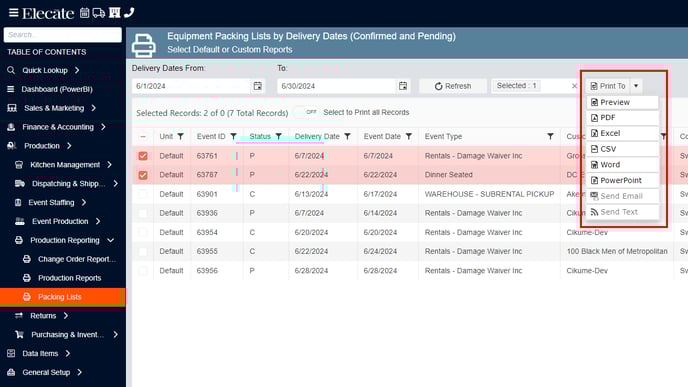
Print packing lists or other production related reports by Equipment Delivery Dates for Confirmed and Pending Orders.
To see reporting:
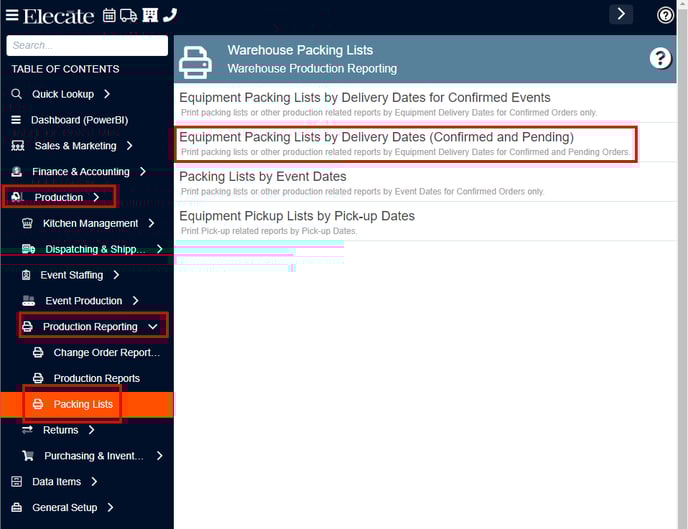
- Go to Production in the left side panel.
- Click on Production Reporting.
- Click Packing Lists.
- Click Equipment Packing Lists by Delivery Dates (Confirmed and Pending).
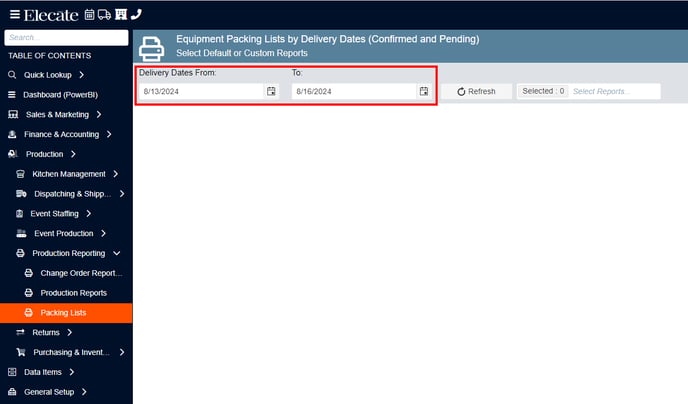
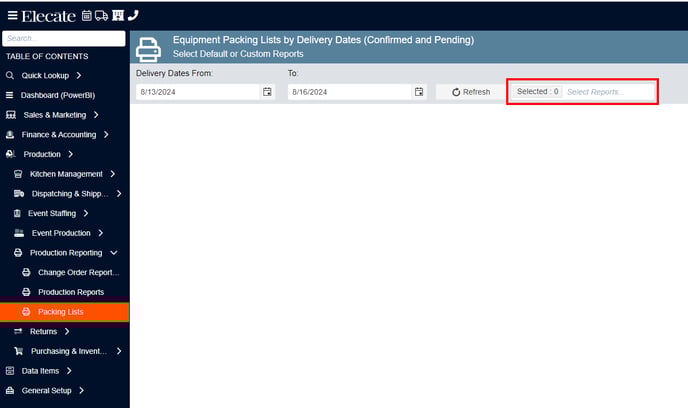
- On “Delivery Dates From” and “To”, select the dates of the report to view.
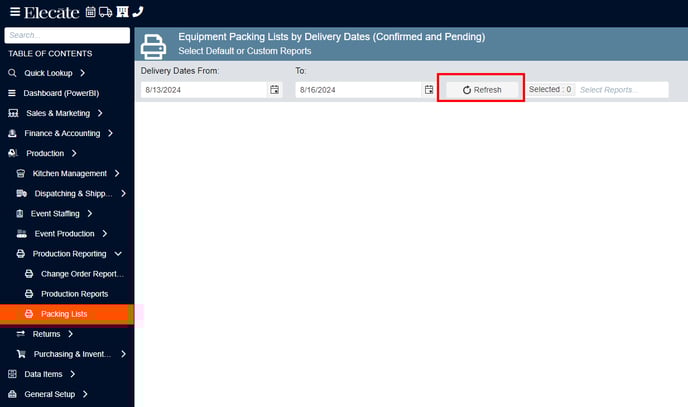
- Click on Refresh.
- Click on the drop-down “Select Reports...” and select the report you want to view.
- Click on the Check boxes to select the report or reports you want to export.
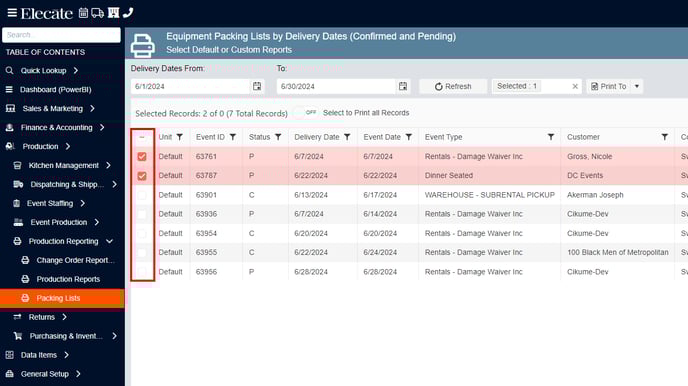
- Click Print to and select how you want to view the report.