Only users assigned with the Administrator role are able to delete time records. This is done by:
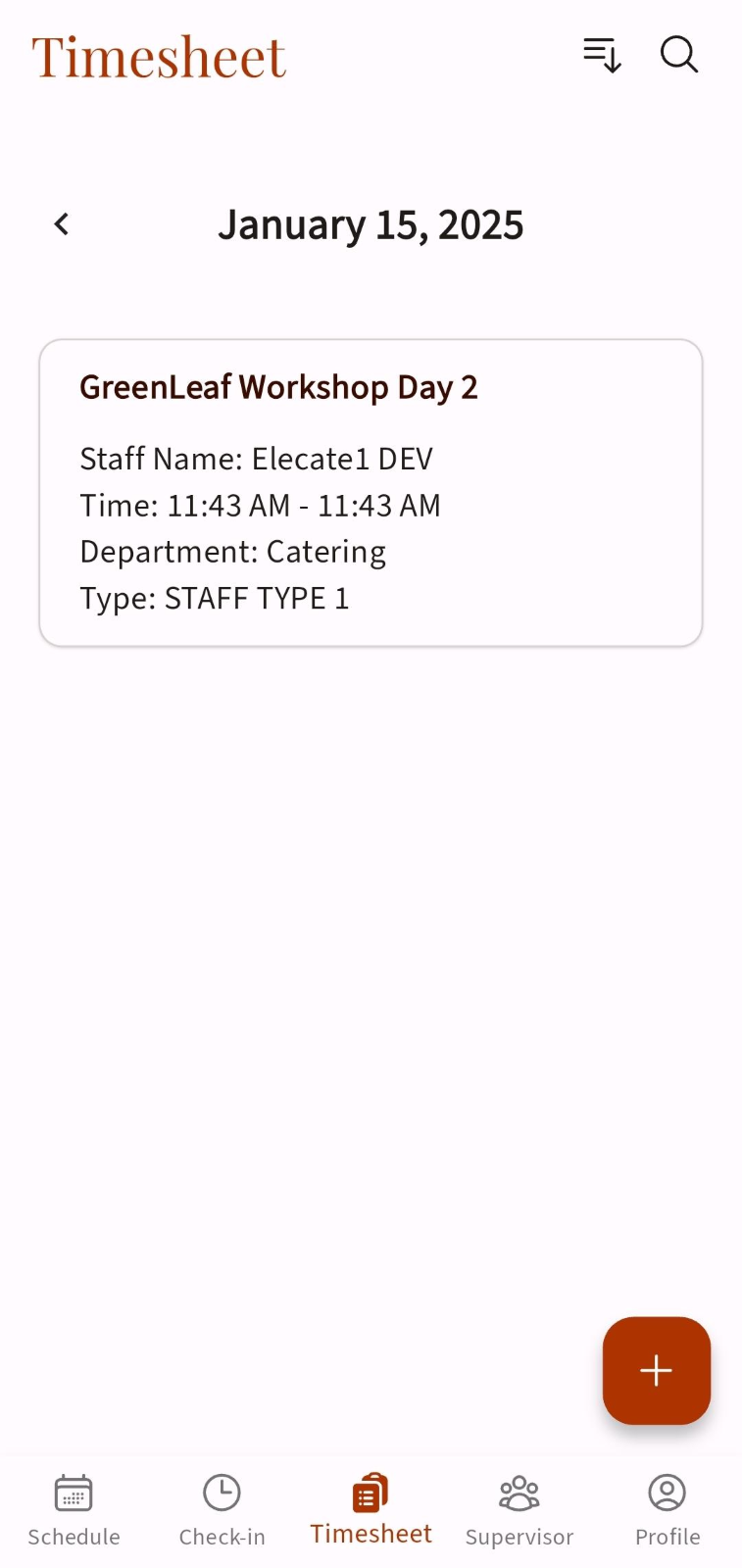
- Going into the Timesheet module
- Selecting any already created record
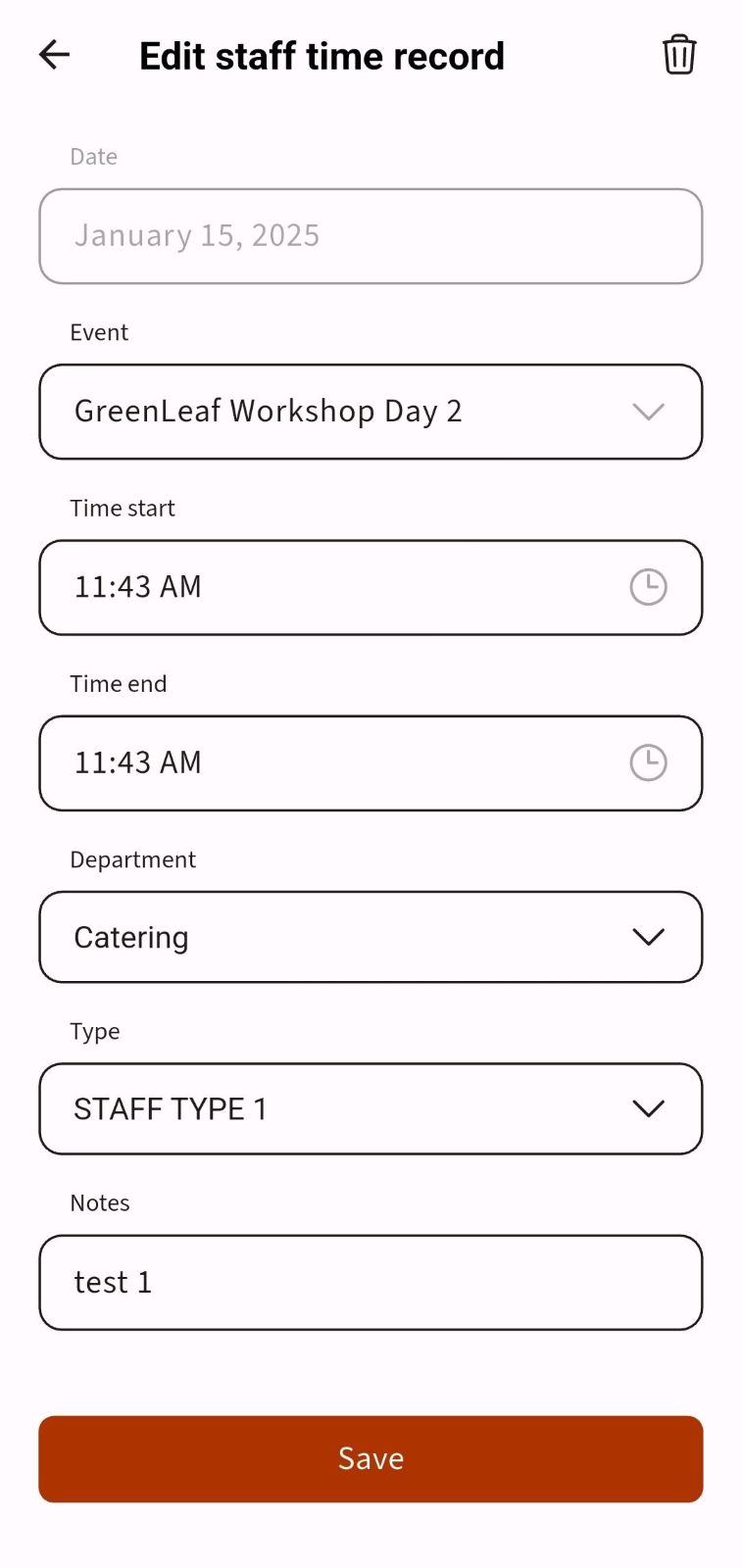
- Tapping the trash icon at the top right corner
- Selecting ¨Delete¨ on the modal that will ask for confirmation
Users with other mobile roles will not see this ¨Trash¨ icon.