Customer types can vary depending on the industry, business goals, and the specific criteria used for classification, based on certain characteristics, behaviors, or criteria.
To view Customer Types:
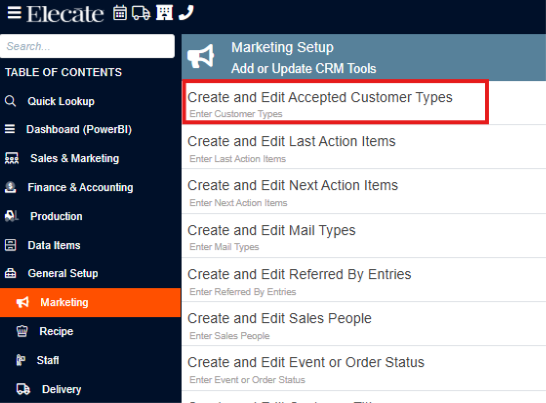
- On the side panel go to General Setup
- Select Marketing

3. Click on Create and Edit Accepted Customer Types
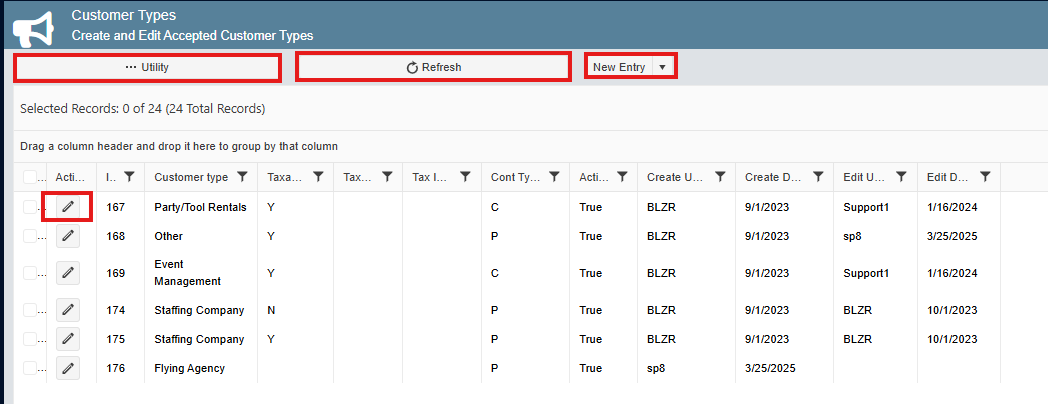
4. This is how the Customer Types window looks, here you can create a new entry, edit the current information, check the utility and edit the information, reset state.