How to Create a Venue Room:
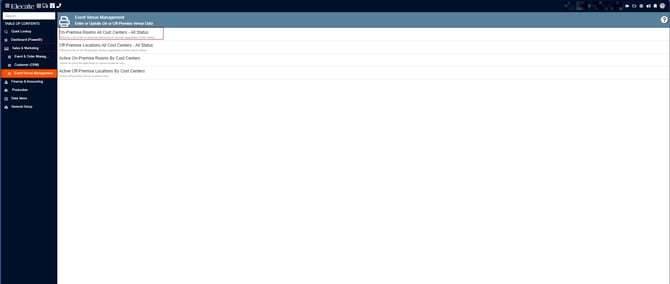
1. On the left side panel, go to Sales & Marketing
2. Click on Event Venue Management
3. Select On- Premise Rooms All Cost Centers- All Status
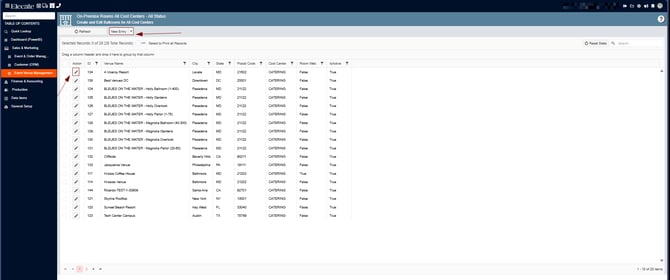
4. You can either edit an existing record by clicking on the Pen Icon or create a new record by clicking on New Entry
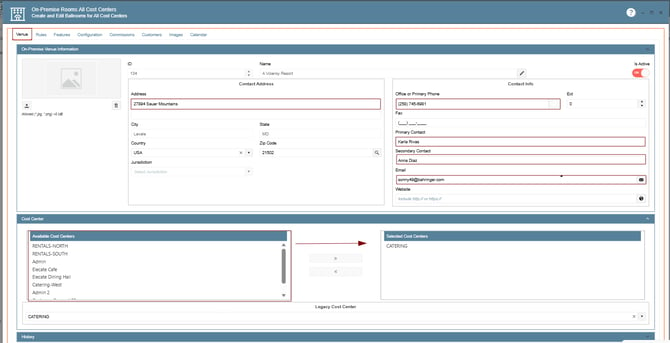
5. Venue: general information about the room:
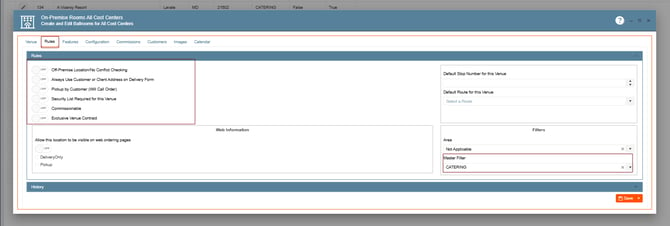
6. Rules: configure restrictions and usage rules for the venue, the checkbox that reads “Always Use Customer or Client Address on Delivery Form” can be selected if you want the Customer’s address to appear for Delivery instead of this venue’s address:
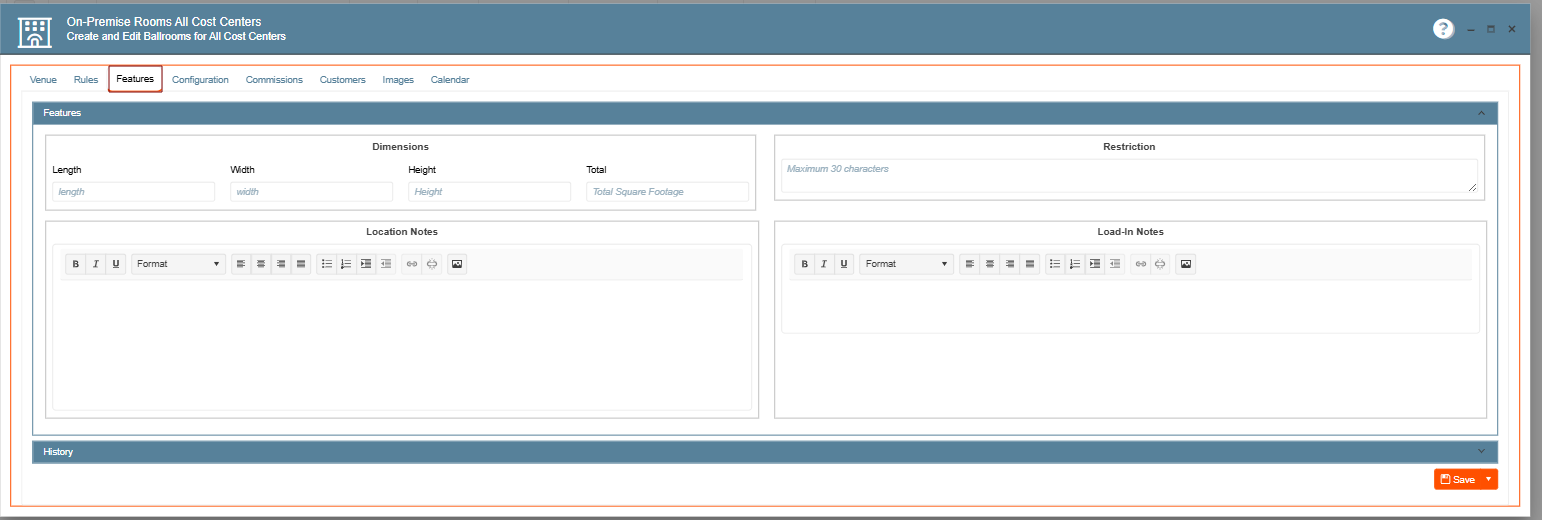
7. Feature: define amenities or characteristics of the venue:
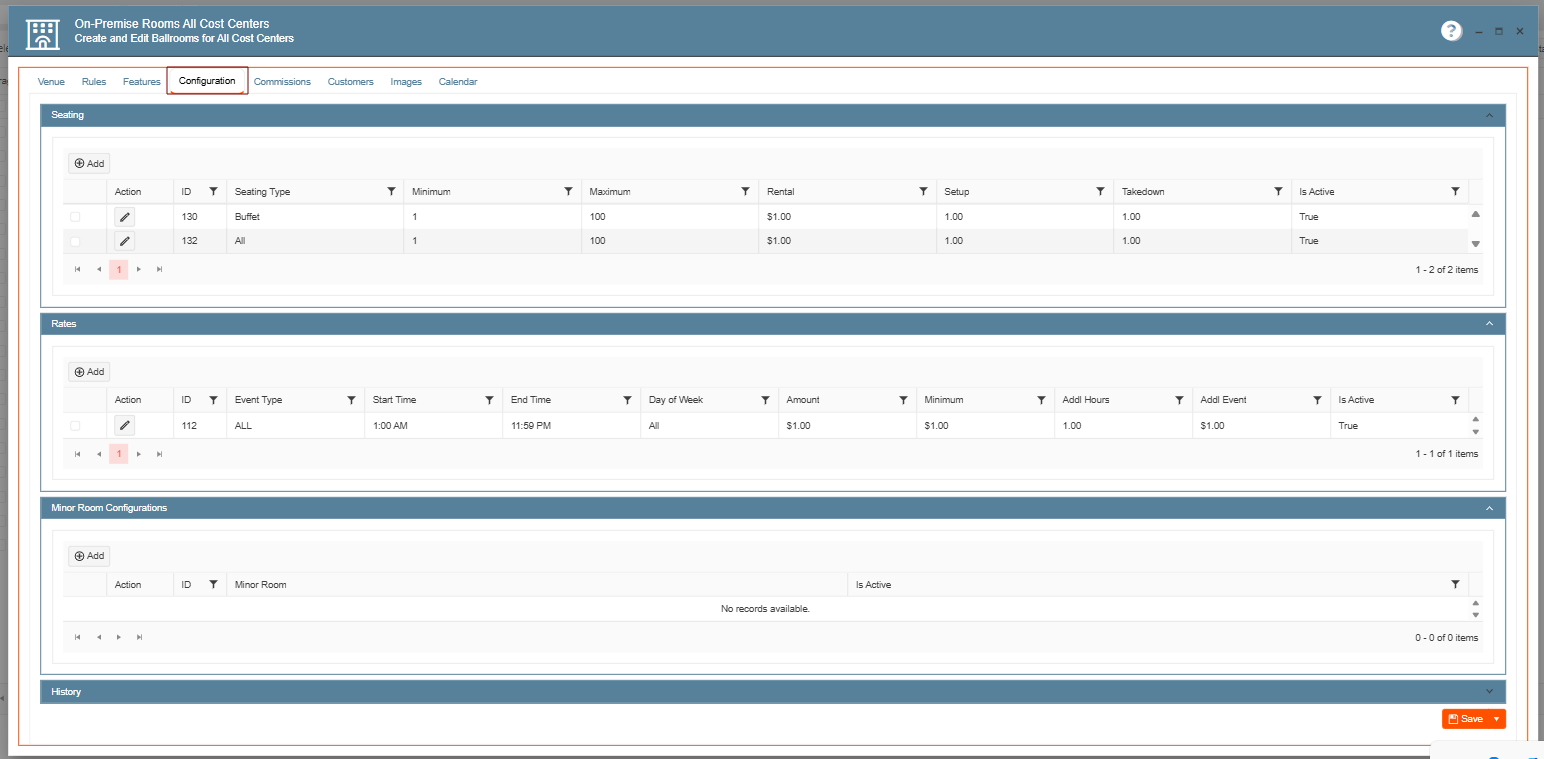
8. Configuration: Manage system settings specific to venue:
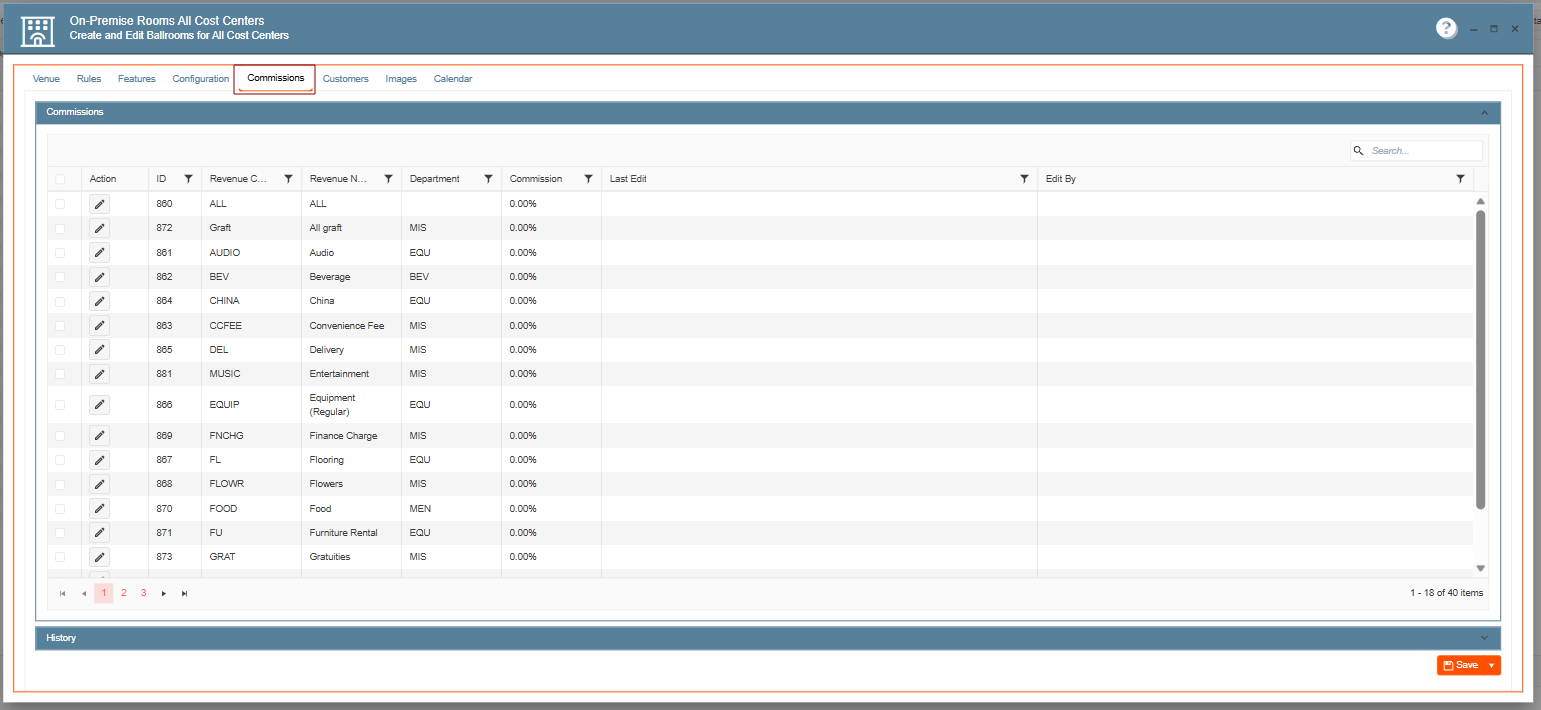
9. Commissions: set commission related details (if applicable):
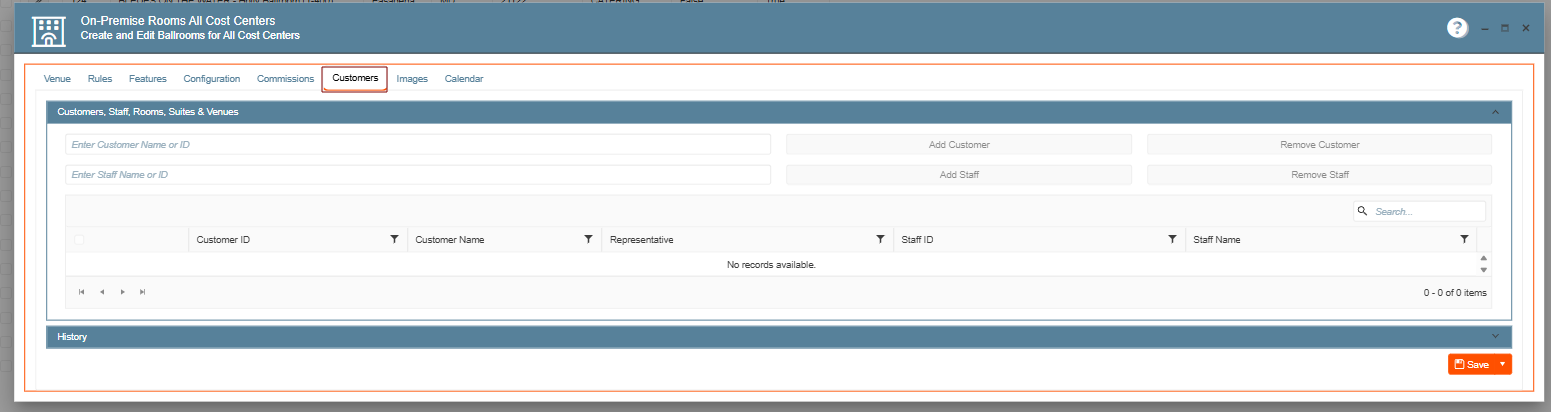
10. Customers: view or manage customer associations:
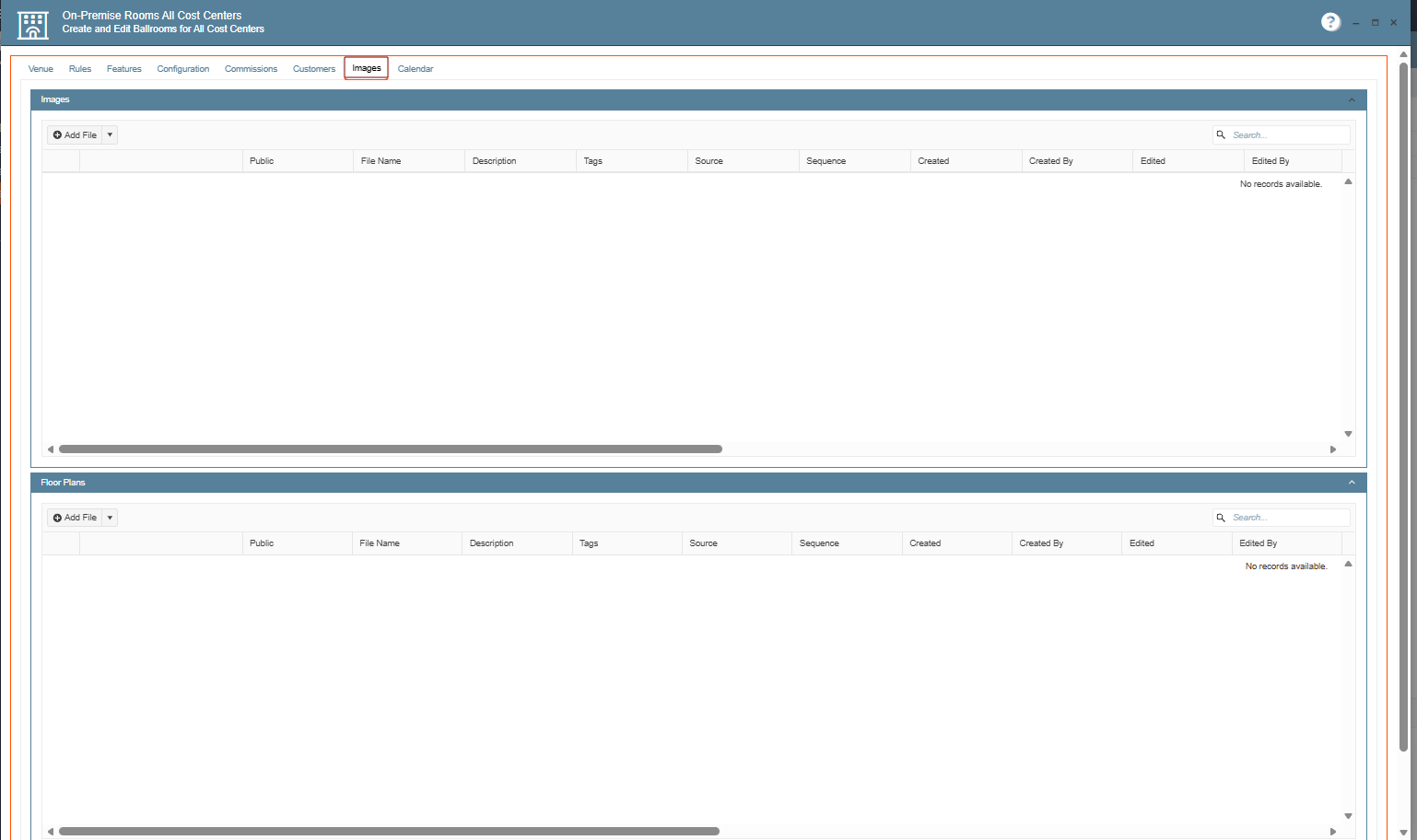
11. Images Tab: Upload and manage venue images:
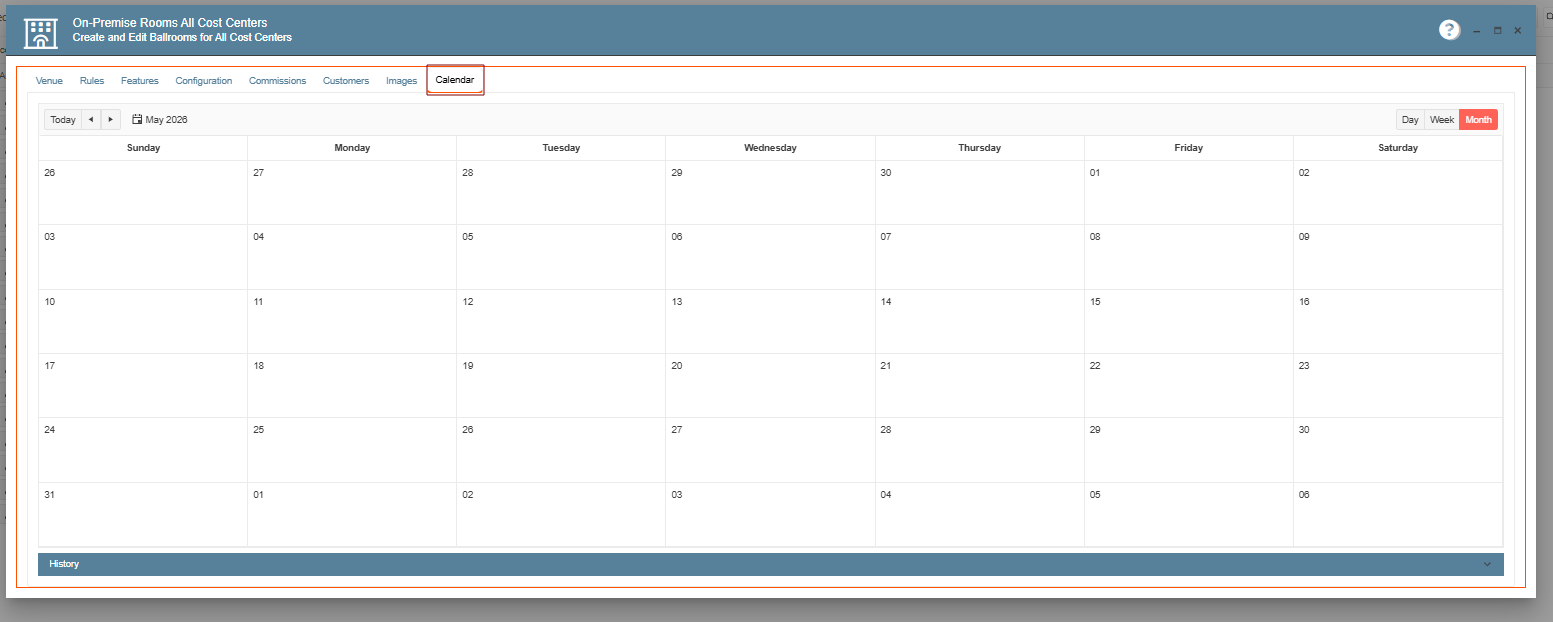
12. Calendar: view and manage, scheduling and availability