
Attachments can be uploaded from the shopping cart so they show on the Event Files, facilitating the communication between the customer and sales person:
To upload or view attachments on an order go to:
1. Click on the Order History Icon located on the top right corner
2. Click on the View Order Icon or Edit/Pay Order Icon located on the Actions column
3. Click on the Clip Icon
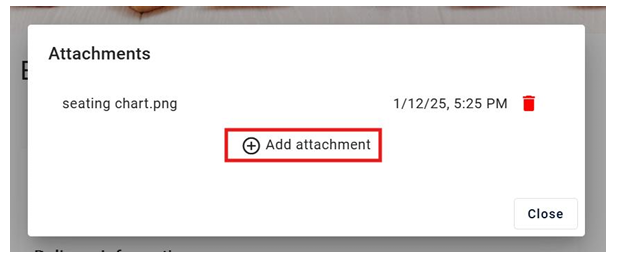
To view an attachment just click on it
To upload a new attachment, click on add attachment