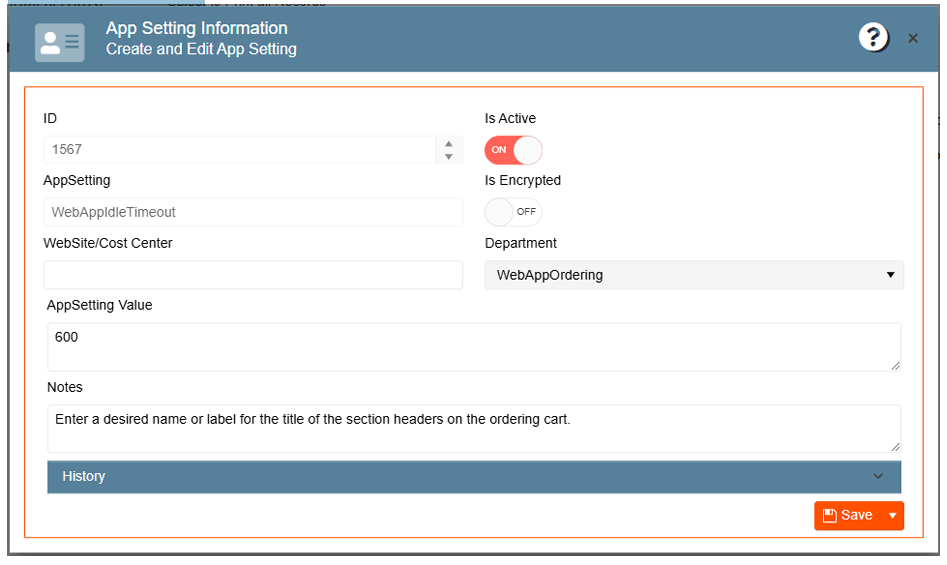
Prevent unauthorized access to sensitive information by automatically signing out users after a period of
inactivity.
-
Navigate to the Gear Icon
-
Click on App Settings
-
Search for the “WebAppDefaultCustomerType” app setting
-
Enter the amount of time in seconds on the App Setting Value
-
Click Save