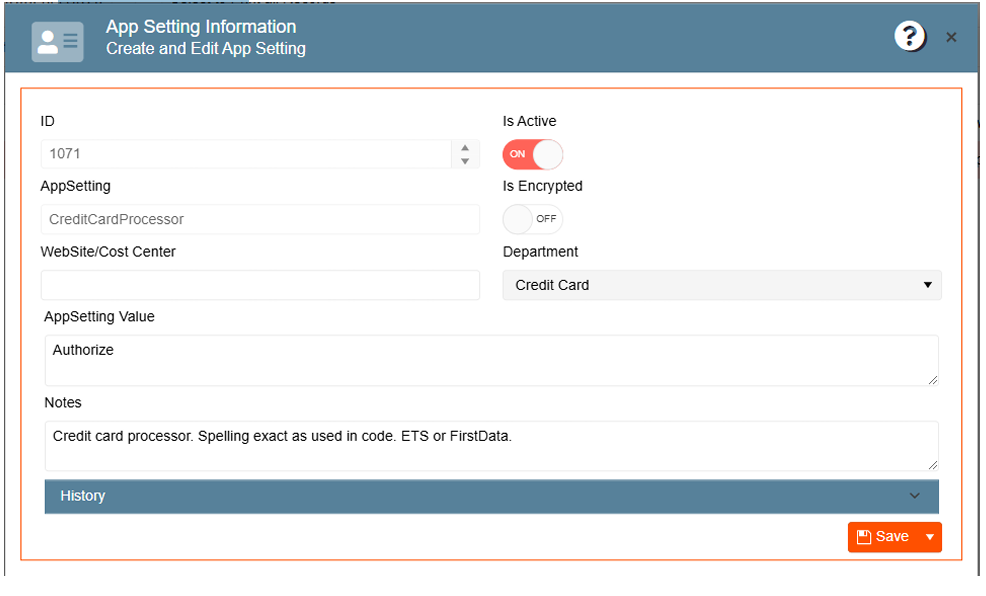
To configure your credit card processor go to:
-
Navigate to the Gear Icon
-
Click on App Settings
-
Search for the “CreditCardProcessor” app setting
-
Type in your credit card processor as used in code (OpenEdge or Authorize) in the app setting value
- Click Save