
Bug fixes:
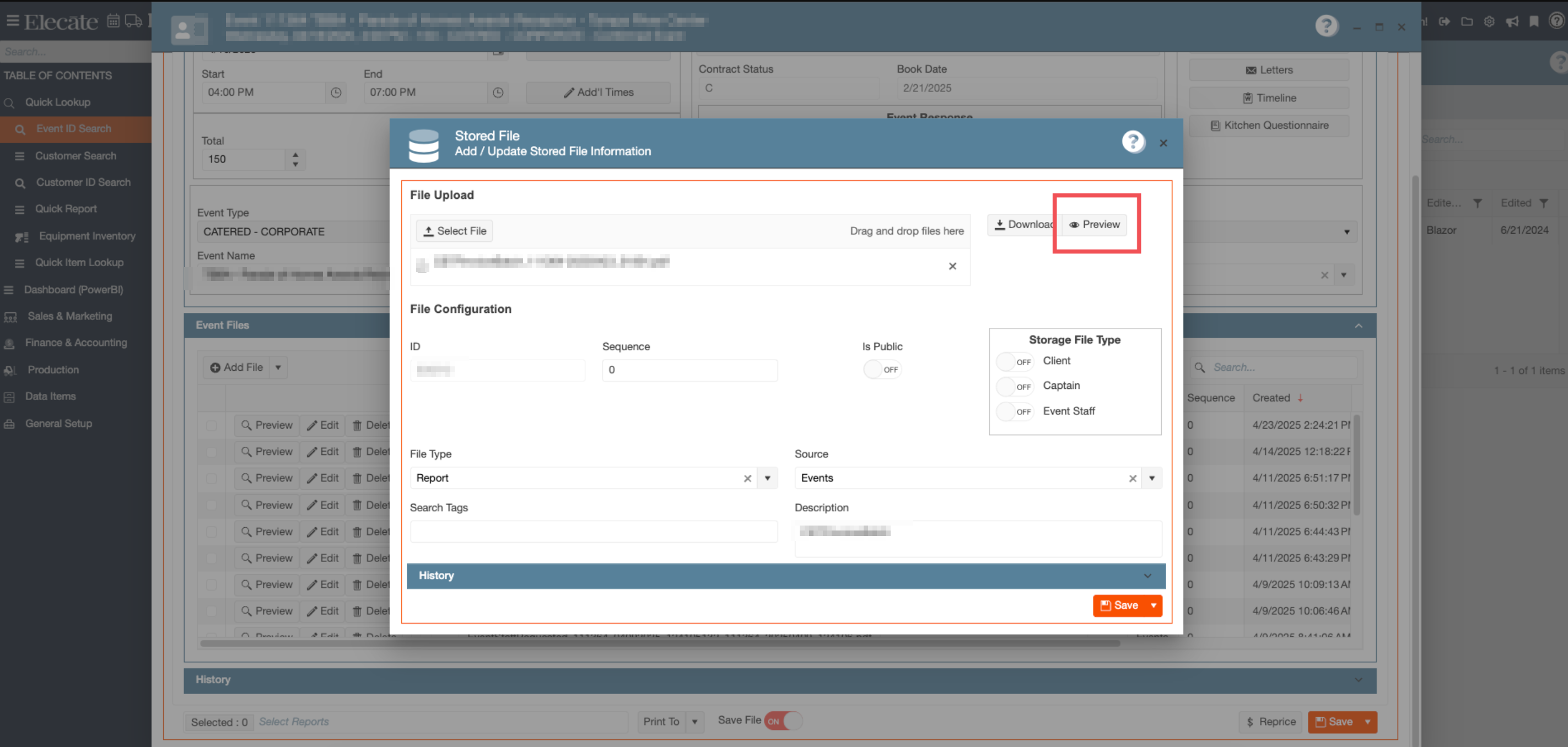
1. Unable to open images using the "Preview" button:
The issue with image previews in Event Files has been resolved. Users can now correctly view images using the Preview button for the selected file.
- Go to Sales & Marketing
- Click on Event Management
- Open an existing event or create a new one
- Go to the Event Info tab
- Verify that an image is attached to the event, or upload one using the Event Files section
- Click the Edit icon for the desired image
- Click Preview
The selected image will now display correctly.
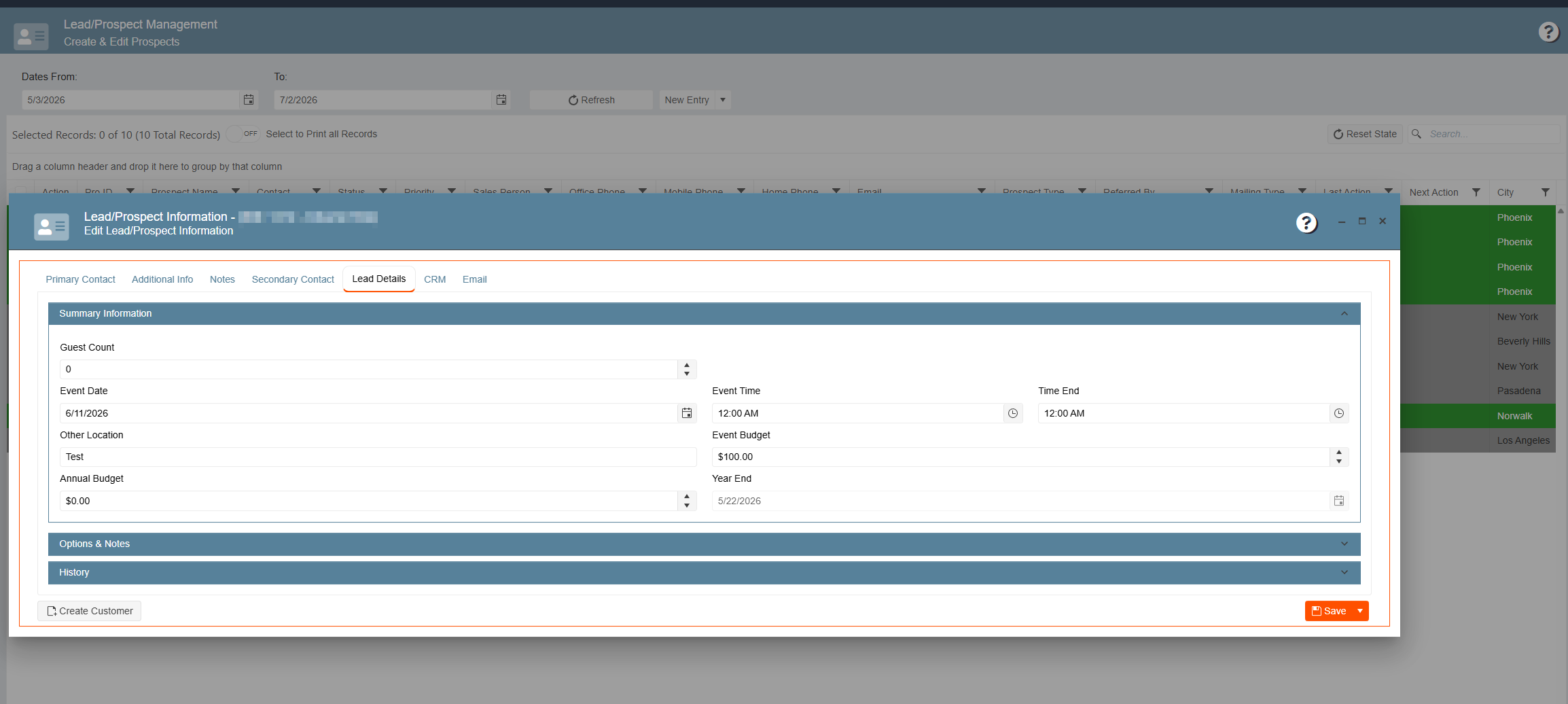
2. Unable to update information on the "Lead Details" tab on Lead/Prospect records:
The issue preventing updates within the Lead Details tab has been resolved. Information entered in this section will now save correctly.
- Go to Sales & Marketing
- Click on Customer (CRM)
- Select Lead/Prospect
- Open Lead/Prospect Management
- Open an existing record or create a new one
- Navigate to the Lead Details tab
- Update information in either the Summary Information section or the Options & Notes section
- Save the record
The information entered within the Lead Details tab will now be saved successfully.
3. Menu Package substitution options and pricing are not displaying correctly:
The issue affecting Menu Package substitutions has been resolved. Users can now substitute items either before adding the package to an event or after the package has been added. Substituted items and associated pricing adjustments will now display correctly.
- Go to Sales & Marketing
- Click on Event Management
- Open an existing event or create a new one
- Go to Order Details
- Select a Menu Package that contains substitution options
- Before adding the package, select an item with substitutions available
- Choose the desired substitution item
- Add the package to the event
Substitutions will now display correctly, including packages containing duplicate recipe items. Any increase or decrease in pricing associated with the substitution will also be reflected correctly.


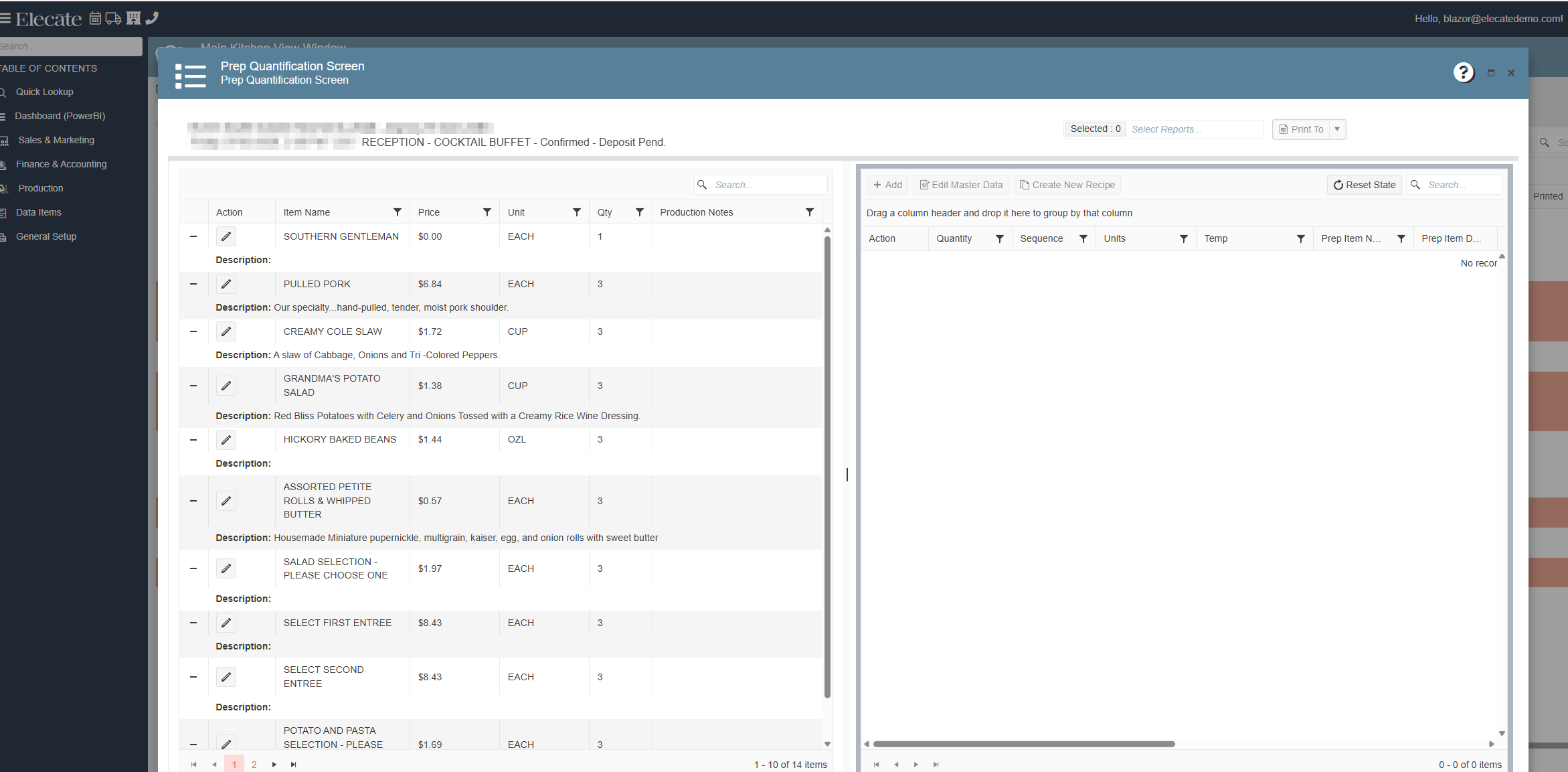
4. High loading times when using the Prep Quantification window:
Performance improvements have been implemented within the Prep Quantification window. Users will now experience significantly reduced loading times when accessing and working with Prep Quantification records.
- Go to Production
- Click on Kitchen Management
- Select Main Sales View
- Open an event
- Edit a record that contains Recipe Prep items
Recipe Prep information will now load faster, providing a more efficient and consistent user experience.
5. Menu Package items with the Header flag scale incorrectly:
The issue affecting Menu Package items configured with both the Header and Scale flags has been resolved. These items will now scale correctly whenever the event Guest Count is updated.
- Go to Sales & Marketing
- Click on Event Management
- Open an existing event or create a new one
- Navigate to Order Details
- Add a Menu Package containing an item with both the Header and Scale flags enabled
- Update the event Guest Count
The Header item will now scale correctly based on the updated Guest Count.
