- New Features:
- Implemented the ability to add UPS Shipping/Return labels for an event I have already submitted.


-
When processing packages using the UPS delivery service:
- A new Bags counter is displayed in the Bags column for each event.
- When no bags have been processed, the counter displays 0.
- The counter increases as bags are processed.
- The user can add new bags.
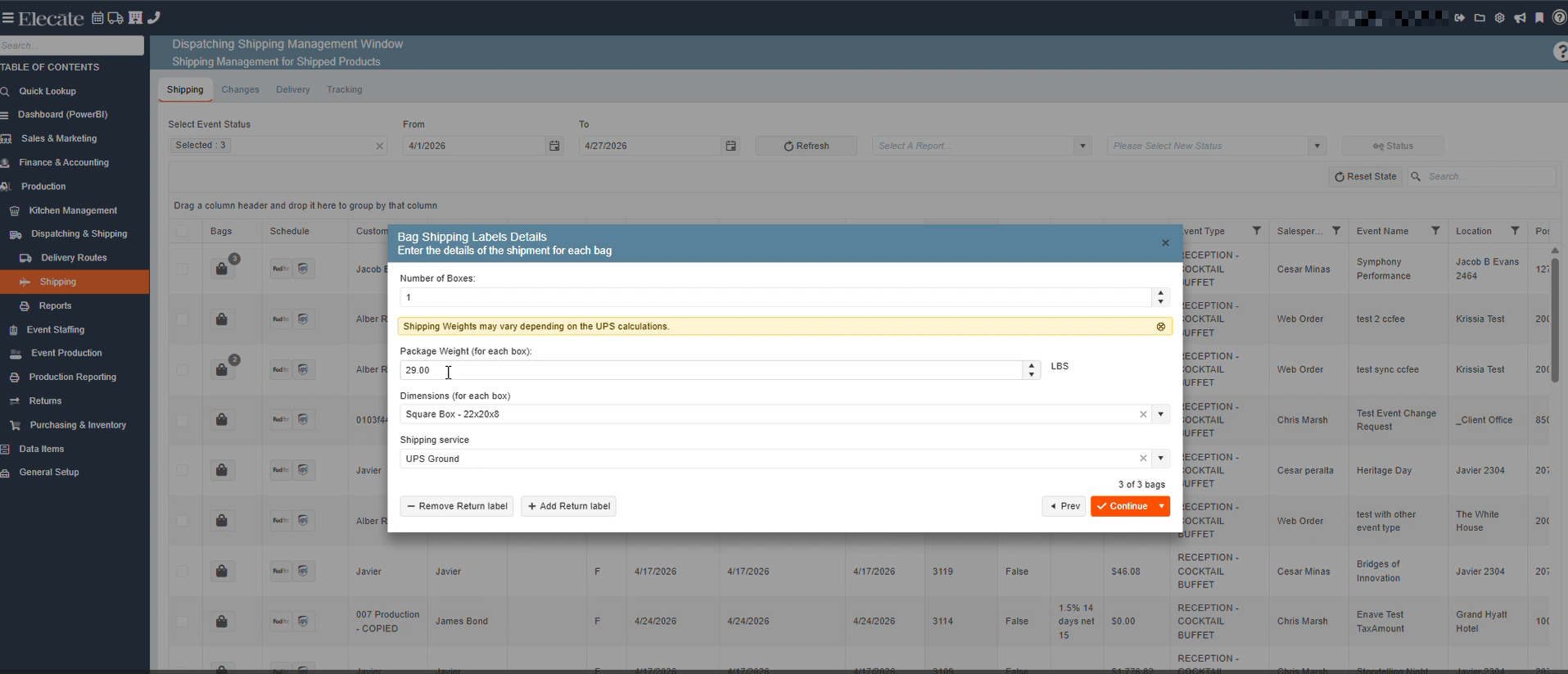
- Clicking the Bags button opens a pop‑up window showing:
- The current number of bags
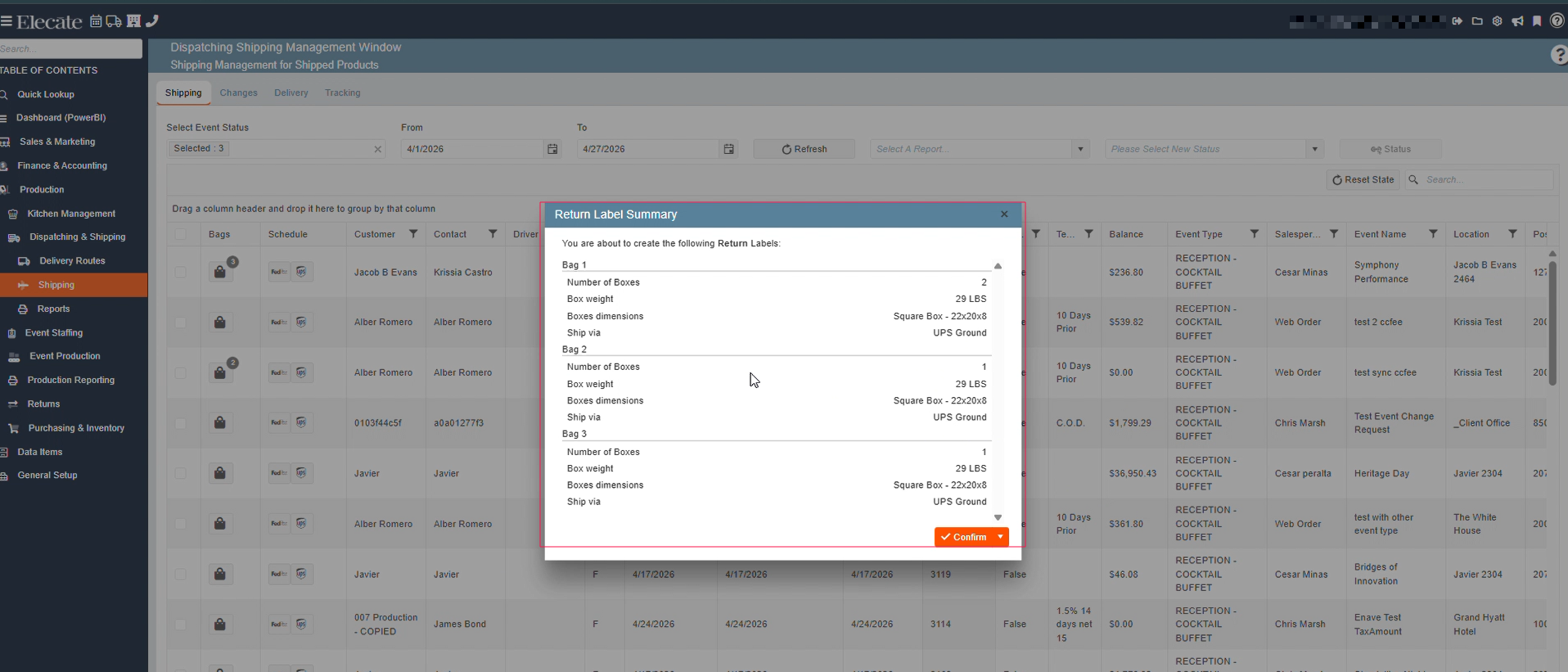
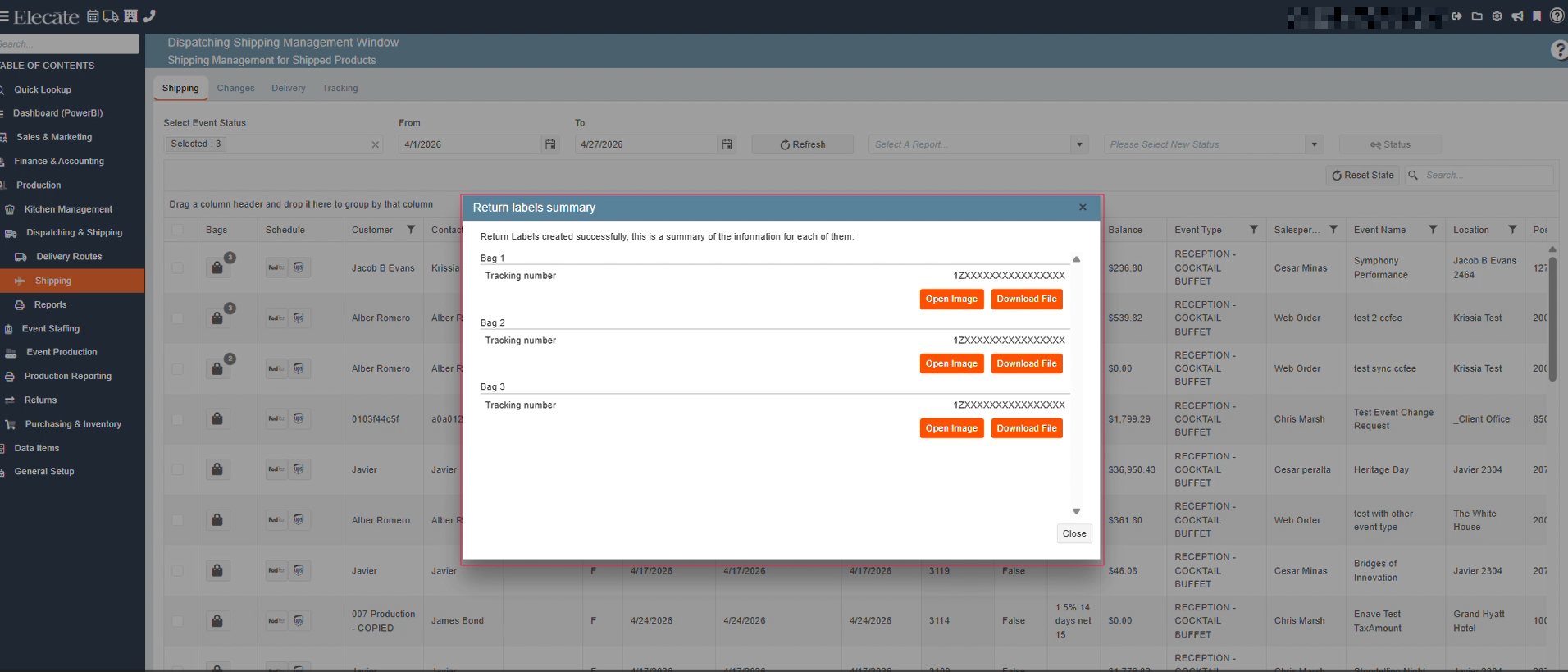
- Actions to create or remove shipping labels
1. On the left side panel, go to Production
2. Select Dispatching & Shipping
3. Click on Shipping
4. Choose Dispatching Shipping Management Window
English
