
Feature Request:
-
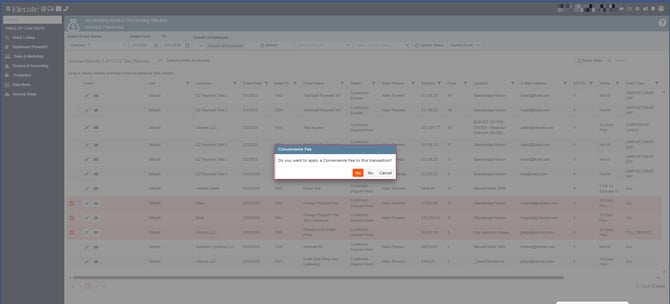
Convenience Fee prompt when Batch Processing from the Accounting Window
-
Including sales tax in the Credit limit calculation
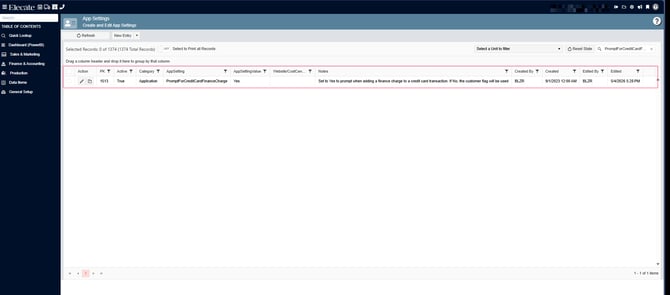
When the PromptForCreditCardFinanceCharge setting is disabled, the credit card prompt should display only once at the start of batch processing, rather than for every transaction. When the setting is enabled, the prompt text should display “Finance Charge” rather than “Convenience Fee.”
1. On the left side panel, go to Finance & Accounting
2. Click on Accounting Tools
3. Select Accounting Invoice Processing Window
Bug Fix:
Error When Saving a Staff Item in Staff Production Scheduling and Refreshing the View