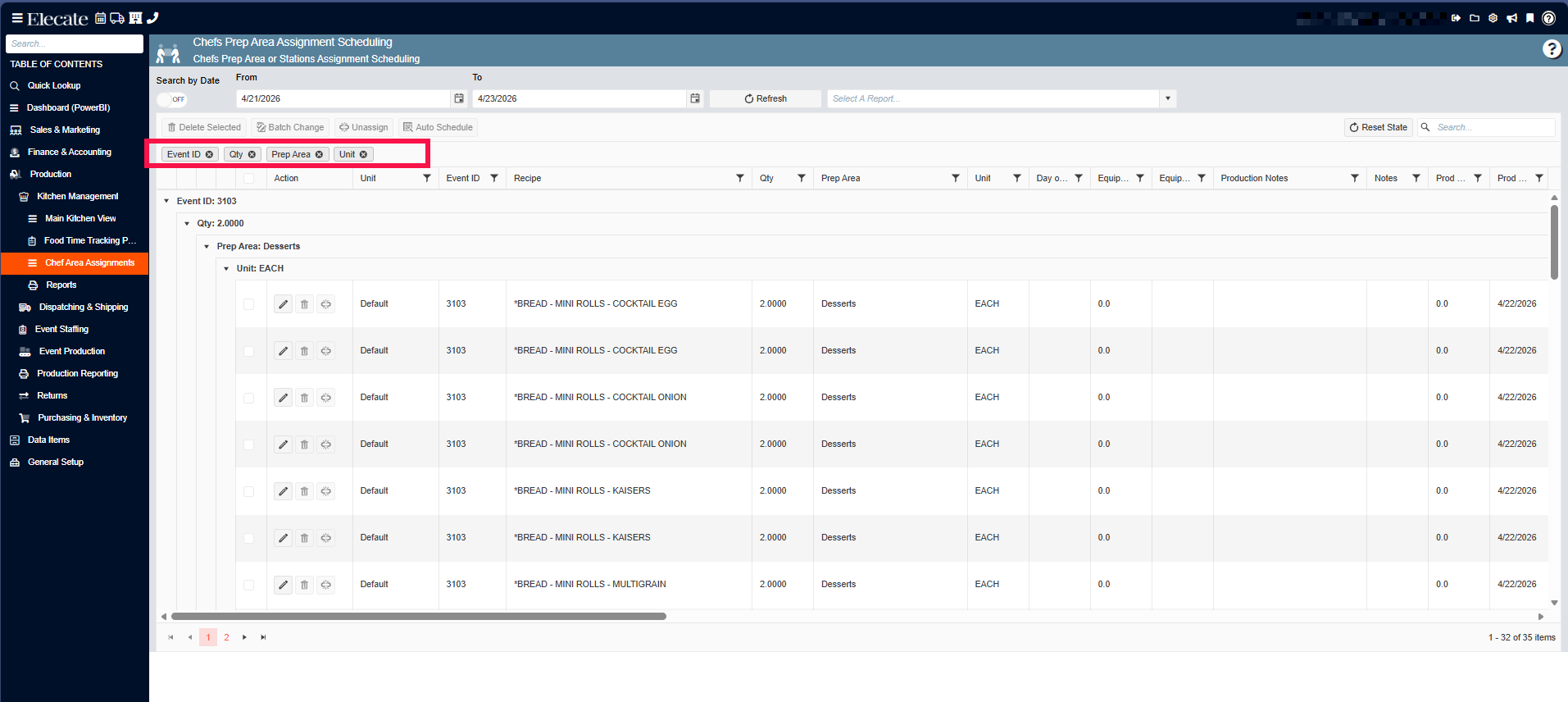
1. Increasing All Notes box size to 30% in the Events window and be able to expand it to full size:
Increase the Miscellaneous Notes box in Event Notes by 30% to allow more visible text without resizing, add the ability for the end user to expand the field to full screen, and support editing and text formatting, while ensuring that all existing functionality remains unchanged.
1. On the left side panel, go to Sales & Marketing
2. Click on Event & Order Management
3. Select Event Management - All Status Types Included
4. Open an existing record, go to the Event Info Tab
5. On the right side, you´ll see a box with different options including the Notes button, click on it
6. Once you have entered your notes for the event, click on Save & Close
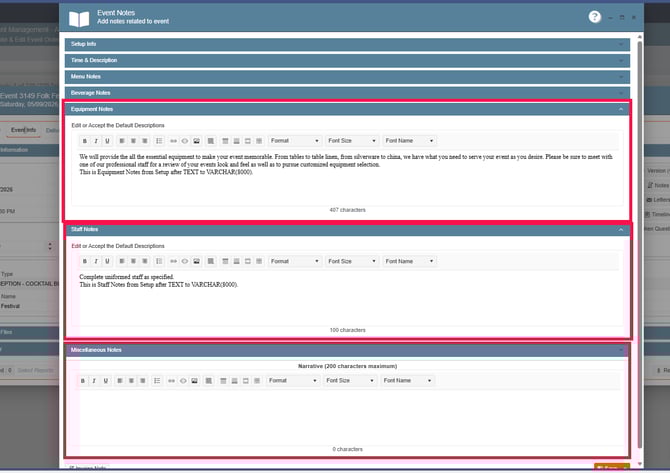
2. Having Grid Persistence in the Chefs Prep Area Assignment Scheduling window:
All columns in this window must support grouping, reordering, and per-user saved preferences. Any changes a user makes to the grid layout must persist after saving and closing and remain consistent when returning to the same event or navigating to a different event.
1. On the left side panel, go to Production
2. Select Kitchen Management
3. Click on Chef Area Assignments