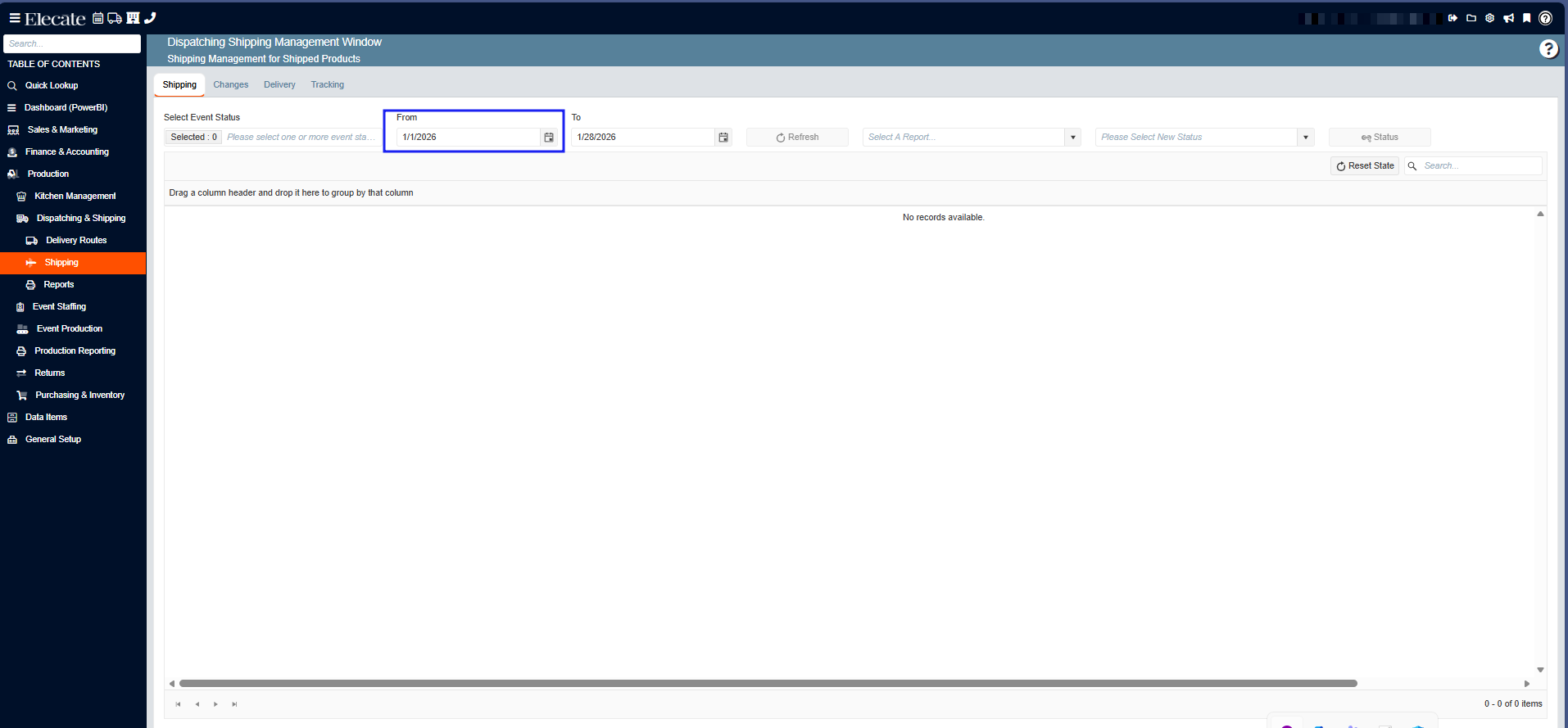
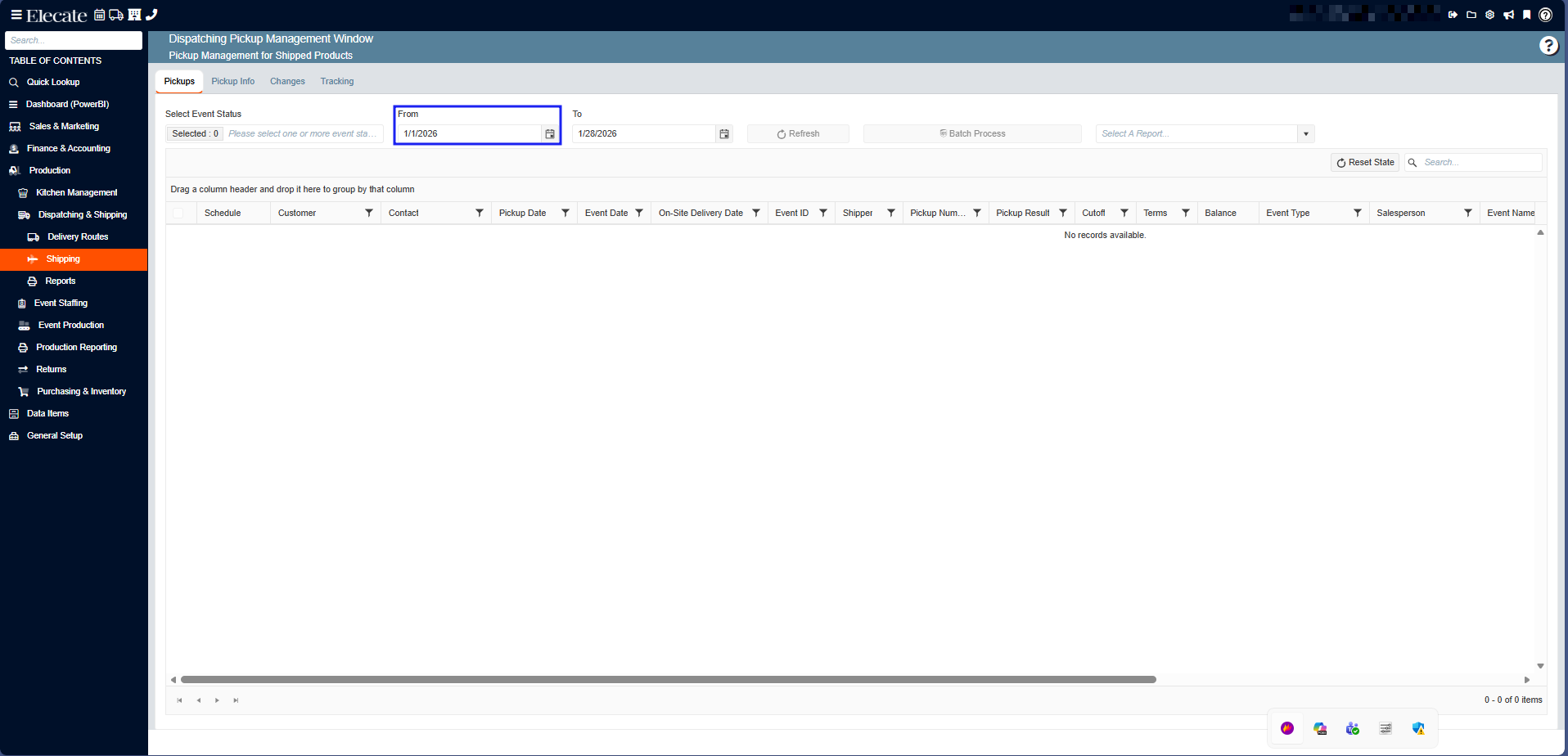
1. Wanting to see a Driver Column in the Dispatch Shipping Management Window:
It was created a new column called: Driver, the column will display the name of the driver selected in the event.
1. On the left side panel, go to Production
2. Click on Dispatching & Shipping
3. Choose Shipping
4. Select Dispatch Shipping Window
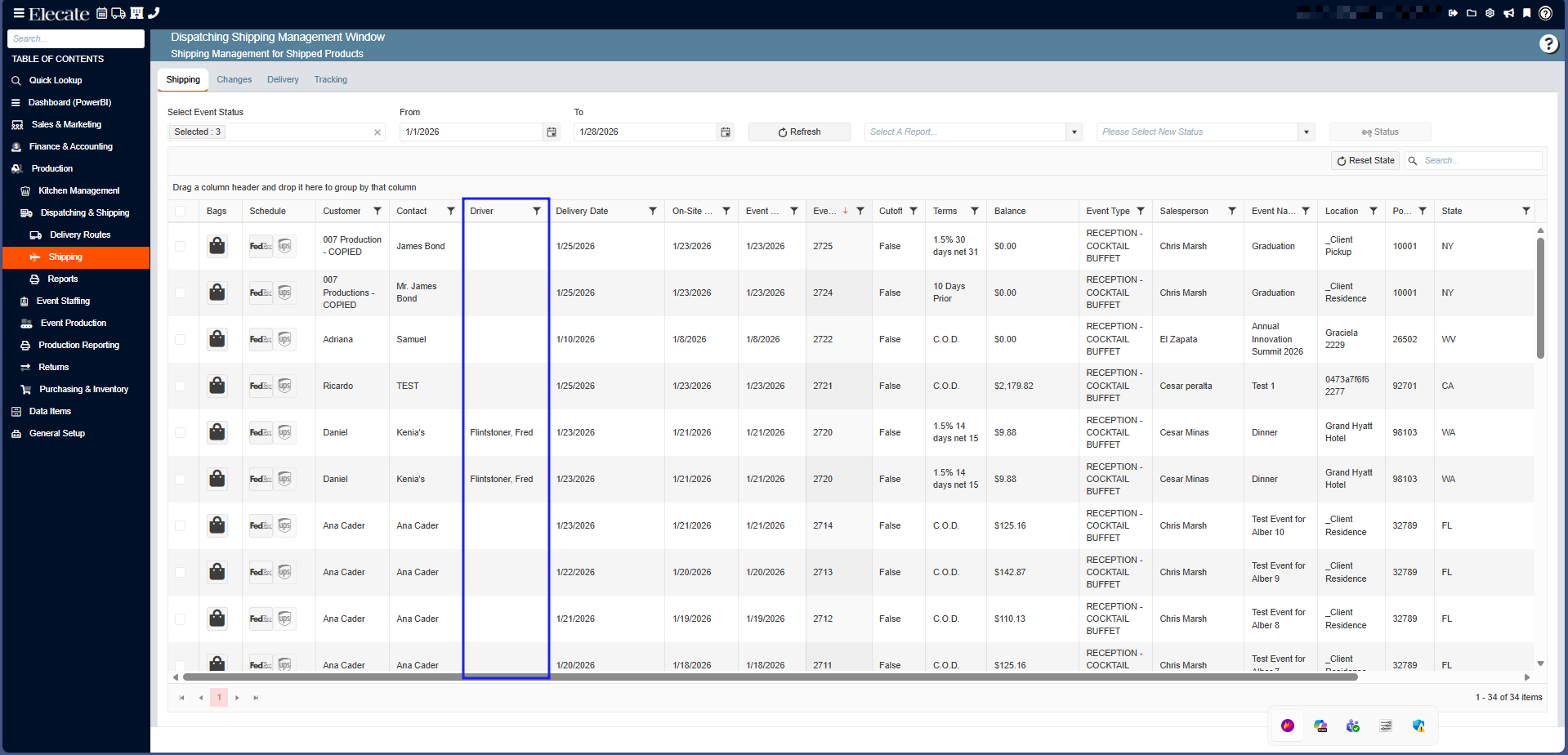
2. Shipping and Pickup Window, Date Control:
When loading the windows, the default is the 1st of the month.
1. On the left side panel, go to Production
2. Click on Dispatching & Shipping
3. Choose Shipping
4. You can either select Dispatch Shipping Window or Dispatch Pickup Window