
Reset your password by following this simple steps:
-
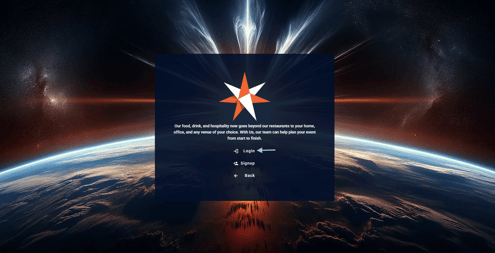
On the online portal click Login
-
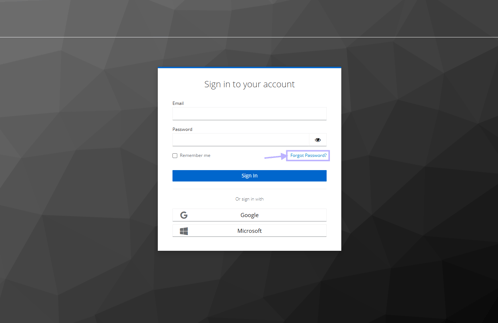
Click on Forgot Password
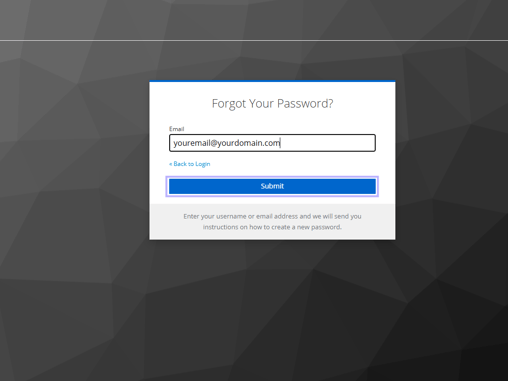
- Type in your email and click Submit
- You will receive an email similar to the example below, click on the hyperlink to reset your password
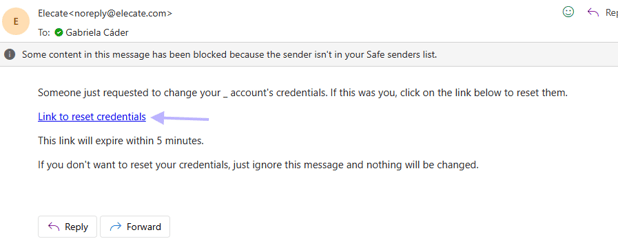
Note: Make sure to check your Spam folder if you don't receive the email in your Inbox.
-
The hyperlink will take you to this site to set up your password:
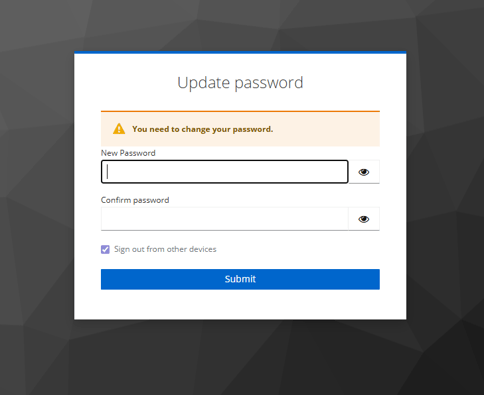
The password must at least include:
- 8 characters
- 1 capital letter
- 1 lower case
- 1 number
- 1 symbol