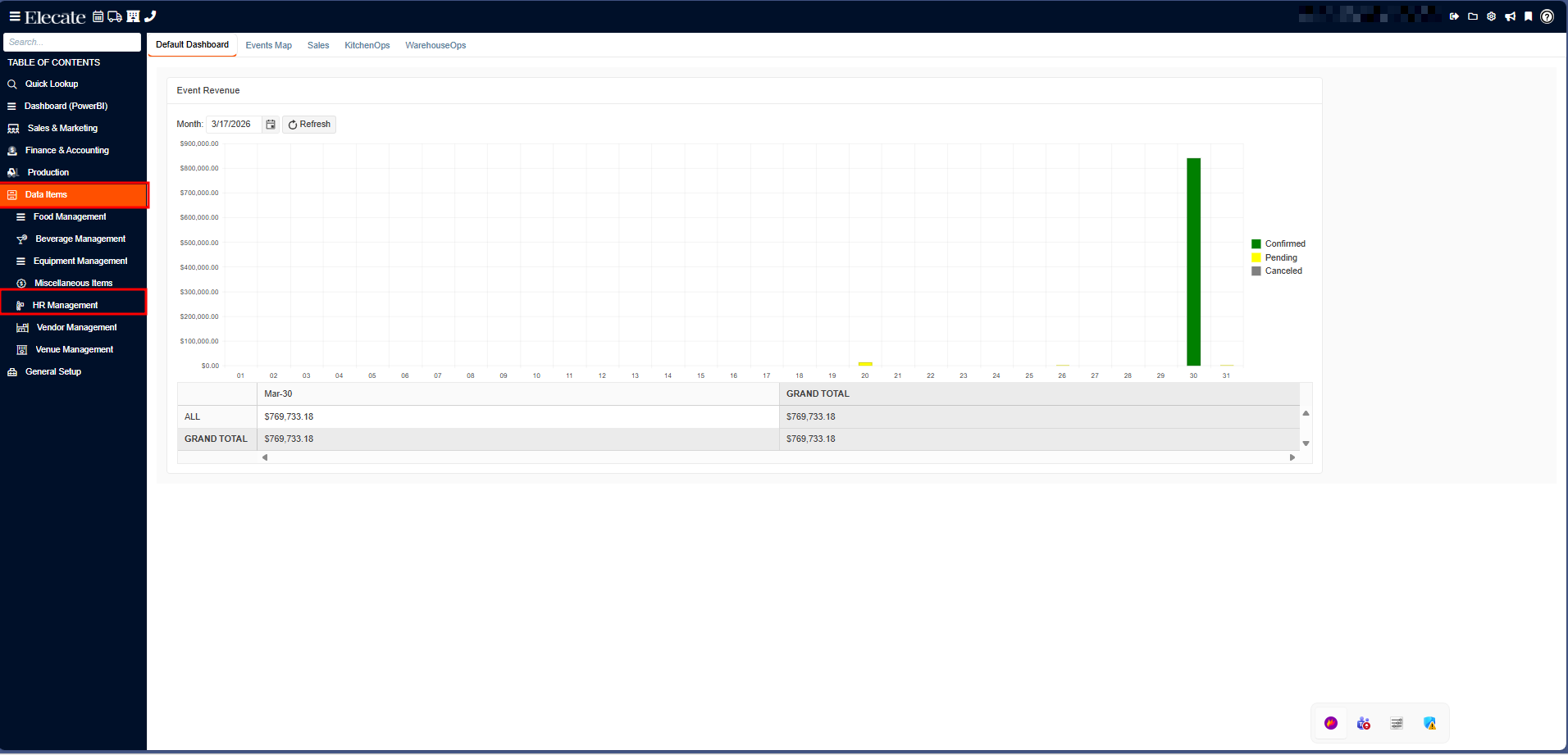
1. On the left side panel, go to Data Items
2. Click on HR Management
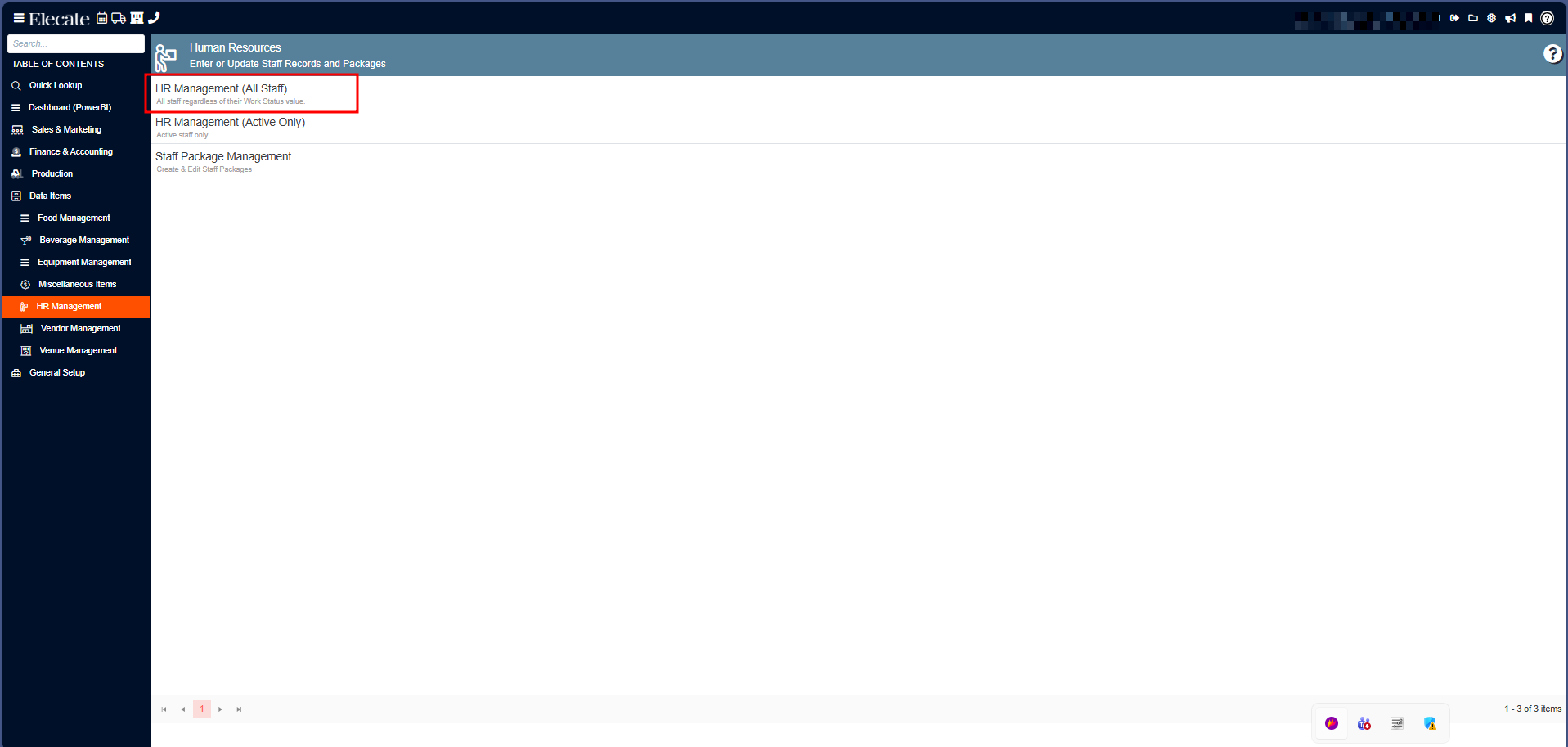
3. Select HR Management (All Staff):
4. You can either select an existing record or create a new by clicking on New Entry: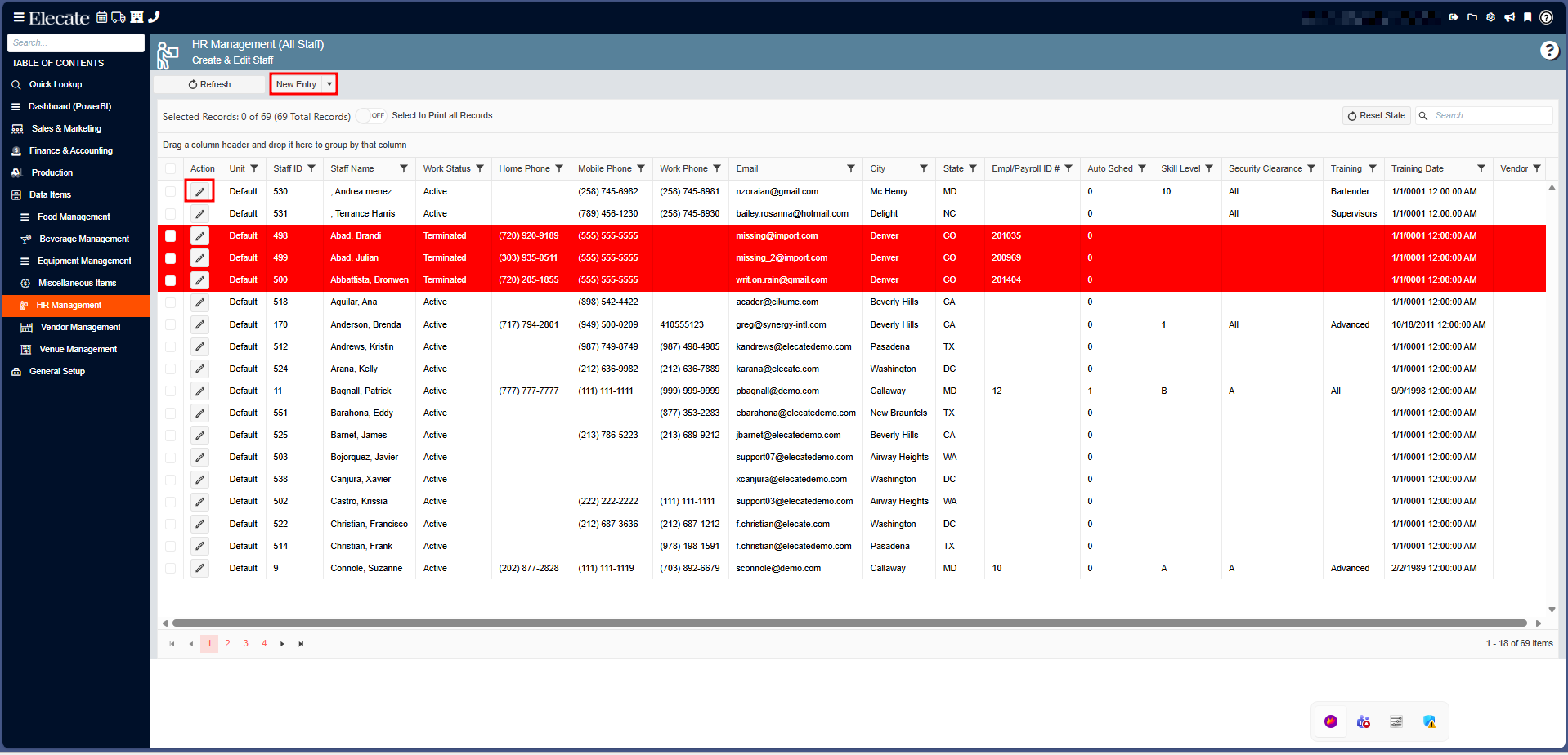
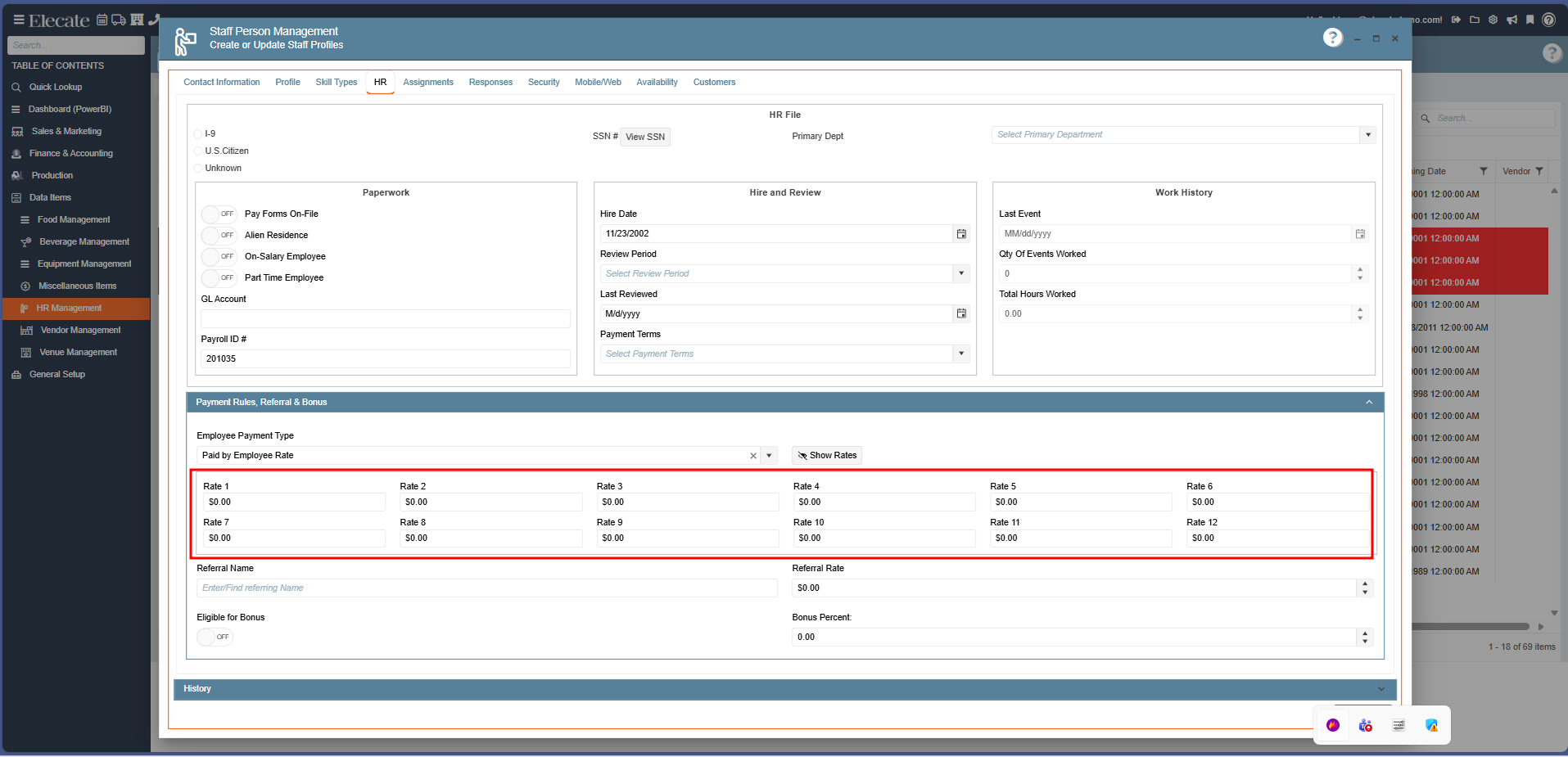
5. Once you have created a new staff member or opened an existing record, next go to the HR Tab, click on the Payment Rules Referral & Bonus section: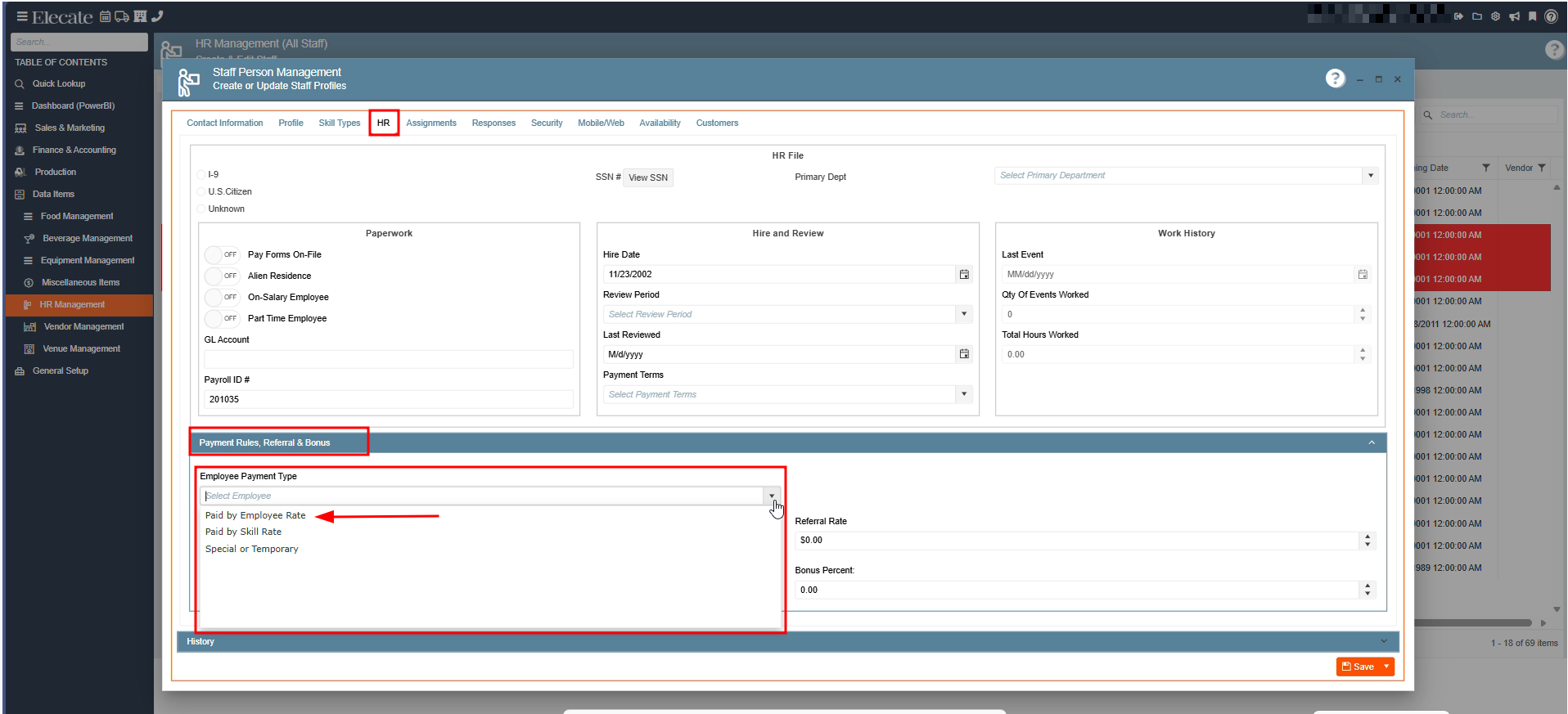
After selecting the Paid by Employee Rate option, the following button will be displayed next to the Employee field, click on the button, a password may be required (ask to one of the administrators):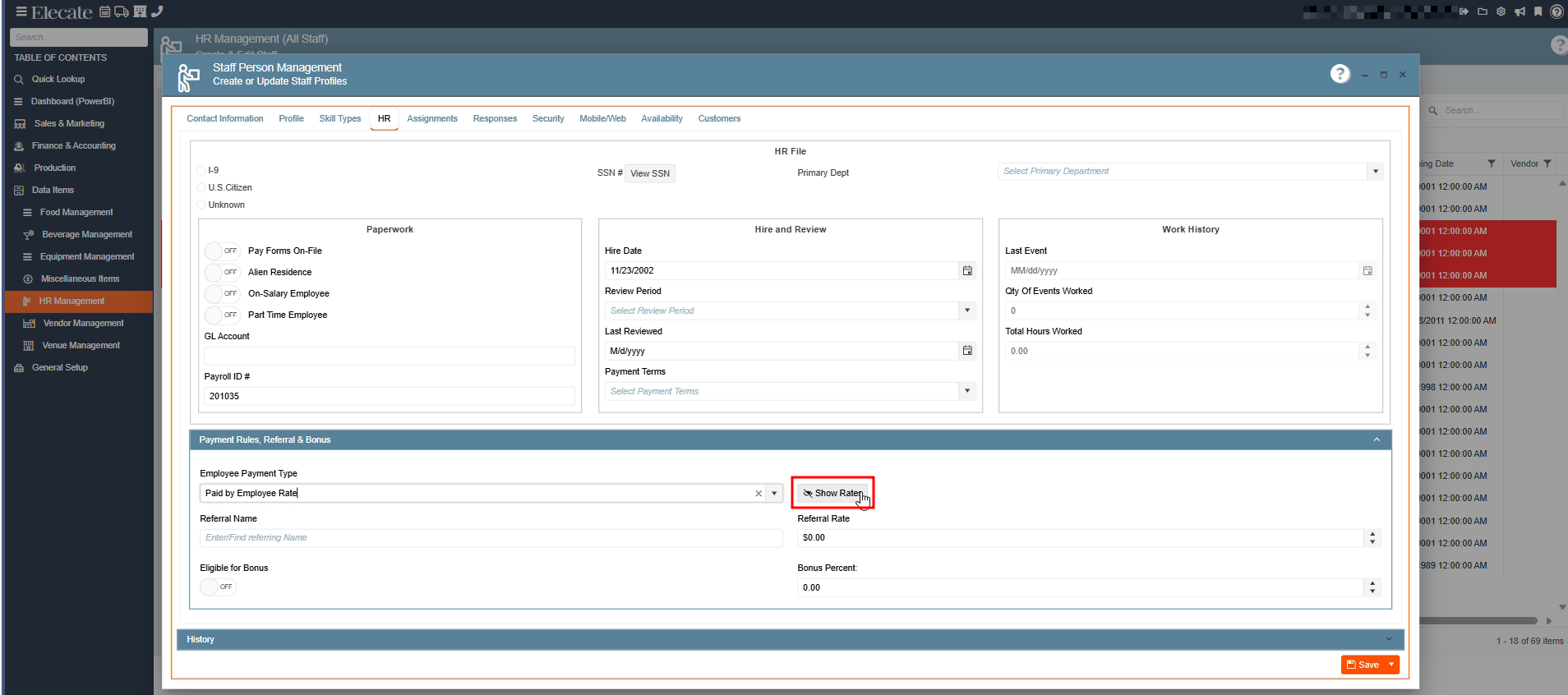
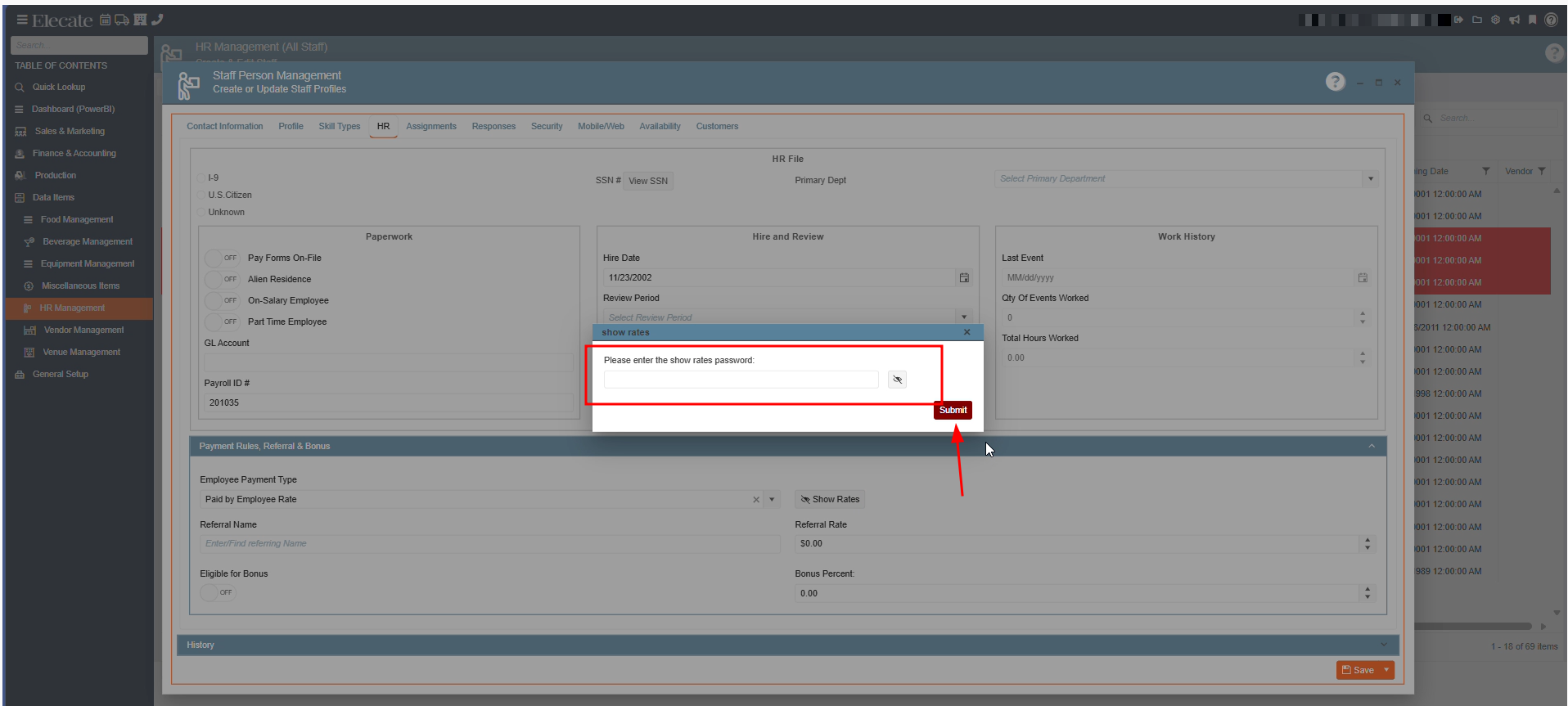
6. Once the Paid by Employee Payment Type is selected, the following options will show up:
(As you can see in the image below, you can set prices from Rate 1 - 12), after completing the rate information for the staff member do not forget to click on Save & Close: