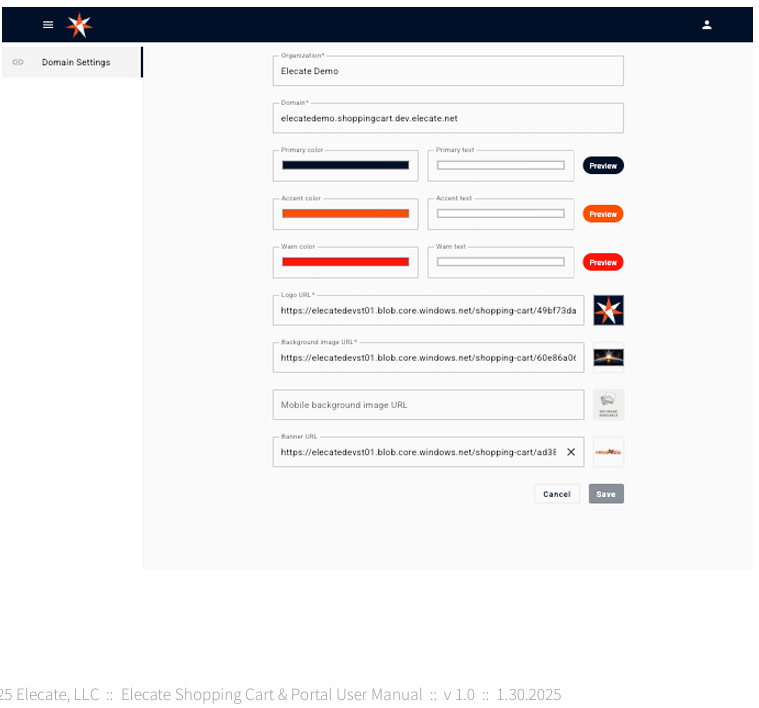
To access the Admin Portal Log in to the shopping cart with an admin user.
Adding/Changing the Banner:
To add or change the current banner:
1. Log into the shopping cart with an admin user
2. Paste the URL on the Background Image URL field
3. Click Save
Setting/Changing Theme Colors
To add or change the current logo:
1. Log into the shopping cart with an admin user
2. Select the theme colors
3. Select the text color for each color
4. Click Save.
Adding/Changing the Logo
To add or change the current logo:
1. Log into the shopping cart with an admin user
2. Paste the URL on the Logo URL field
3. Click Save