
Creating a new account is quick and easy. Just follow these steps:
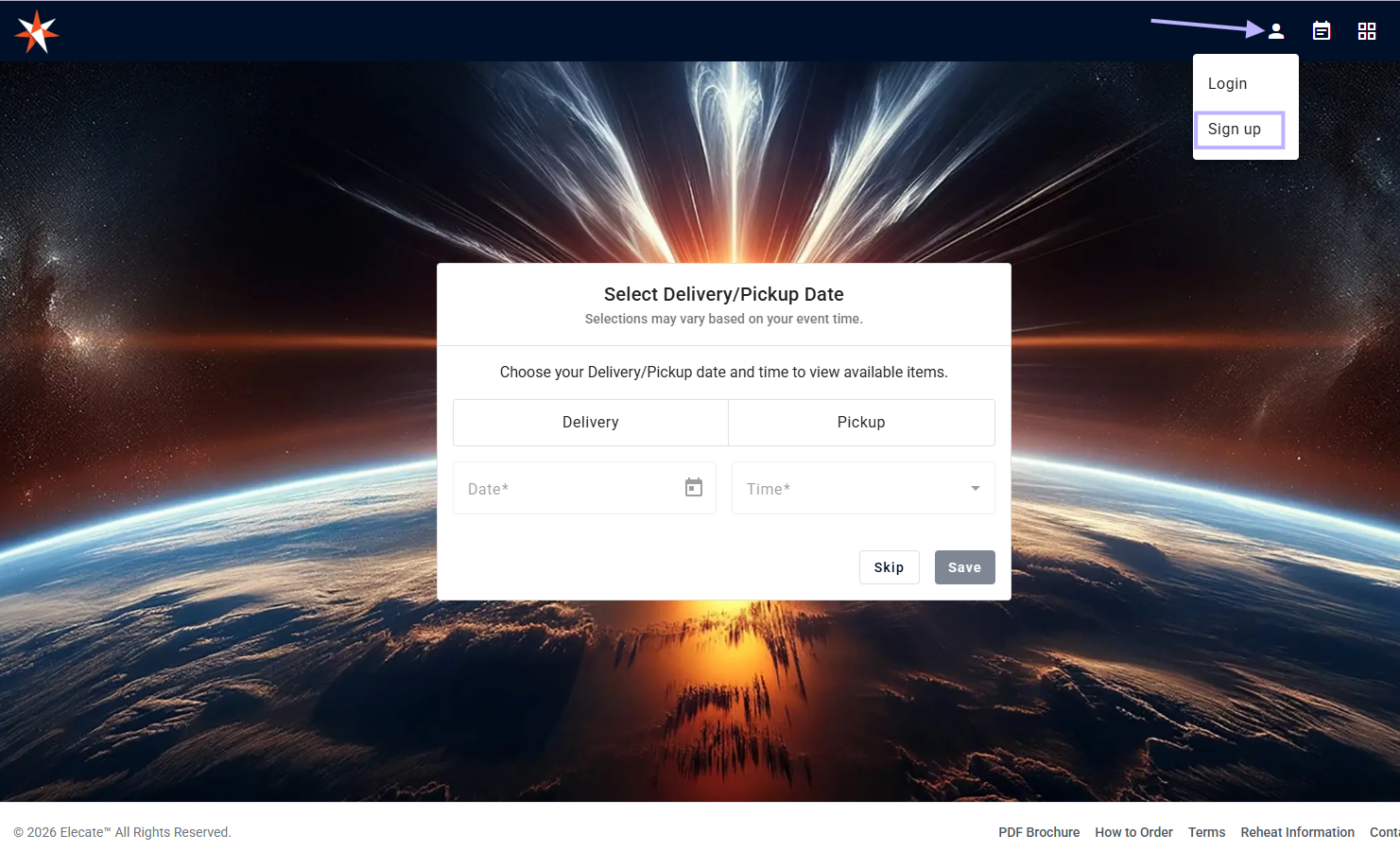
- Click on the Profile icon in the upper right corner.
- Select Sign Up.
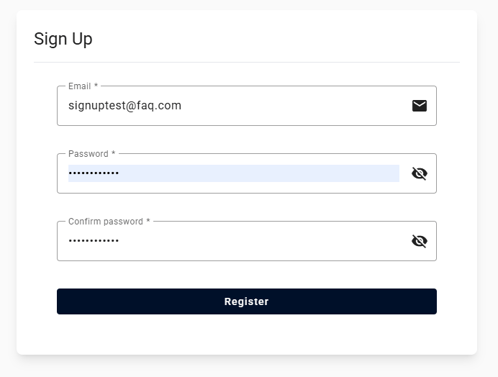
- Enter your email address.
- Create a password and confirm it.
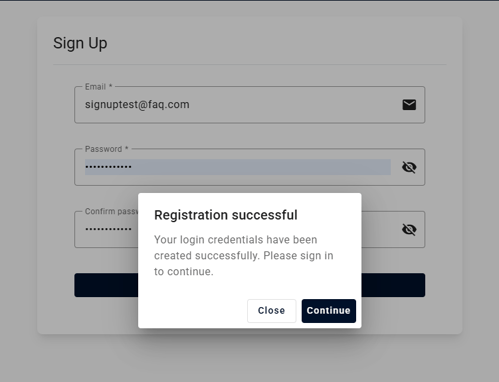
- Click Register.
- Log in using the credentials you just created.
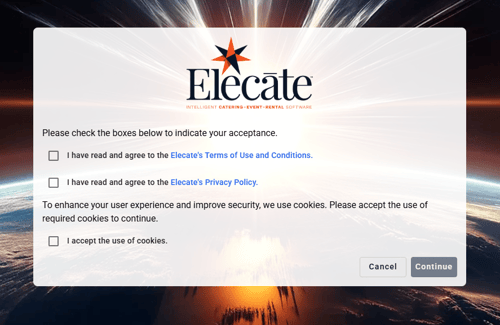
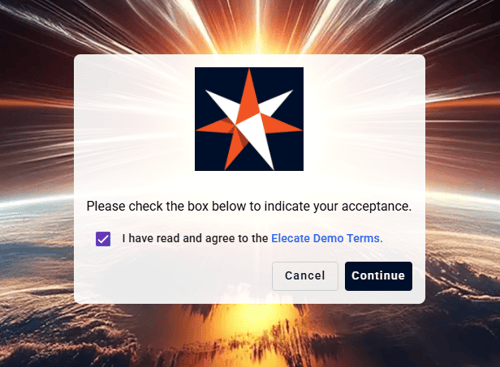
- Accept the Terms & Conditions and Use of Cookies.
- Fill in your contact information.
- Click Next.
- Enter your billing information.
- Click Save Information to complete the process.
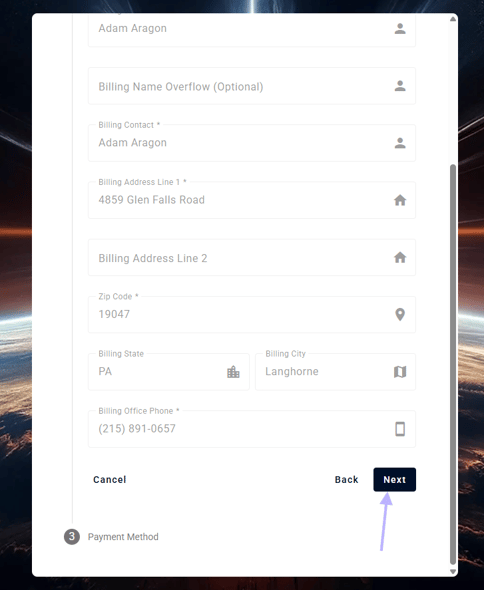
Payment Method registration is optional in the sign up process.
What information do I need to sign up?
You will need:
- A valid email address
- A password
- Your contact information
- Your billing information
When can I start using my account?
You can start using your account immediately after completing the registration process and saving your billing information.
Do I need to accept the Terms & Conditions?
Yes. Accepting the Terms & Conditions and Use of Cookies is required to complete your registration and access the platform.