
How do I sign in for the first time?
When accessing the system for the first time, you will receive login credentials (usually via email) that include your username and a temporary password.
- Go to the login page
- Enter your username and temporary password
- Click Sign In
What happens after my first login?
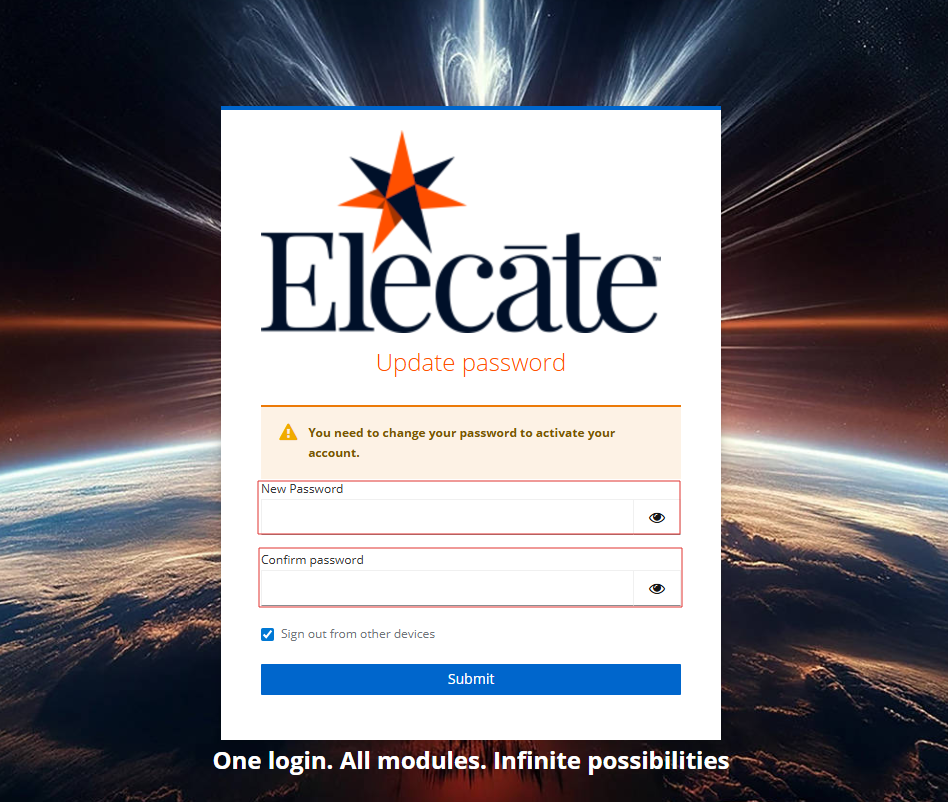
After signing in for the first time, you may be prompted to:
- Change your password
- Set up security or verification settings (if applicable)
This step ensures that your account remains secure.
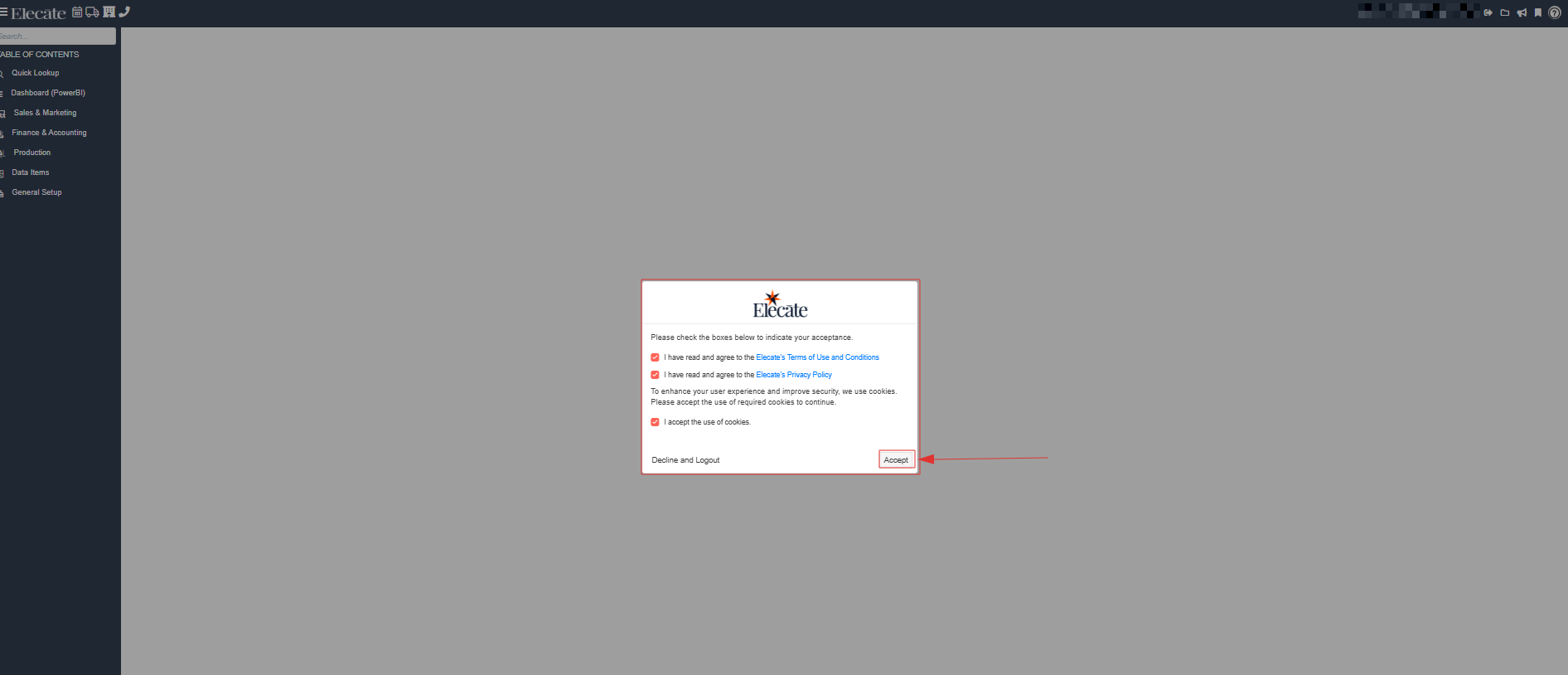
Accept Terms and Conditions:
- A Terms and Conditions window will appear the first time you access the application
- You must review and click Accept to continue
- You will not be able to use the system until the terms are accepted
Important Notes
- The Terms and Conditions must be accepted before accessing the system
- Your account may lock after multiple unsuccessful login attempts
- Always keep your login credentials secure