
This button is enabled when your website is up and running. Filling out the window below allows the customer access to the private area of your website (usually inventory).
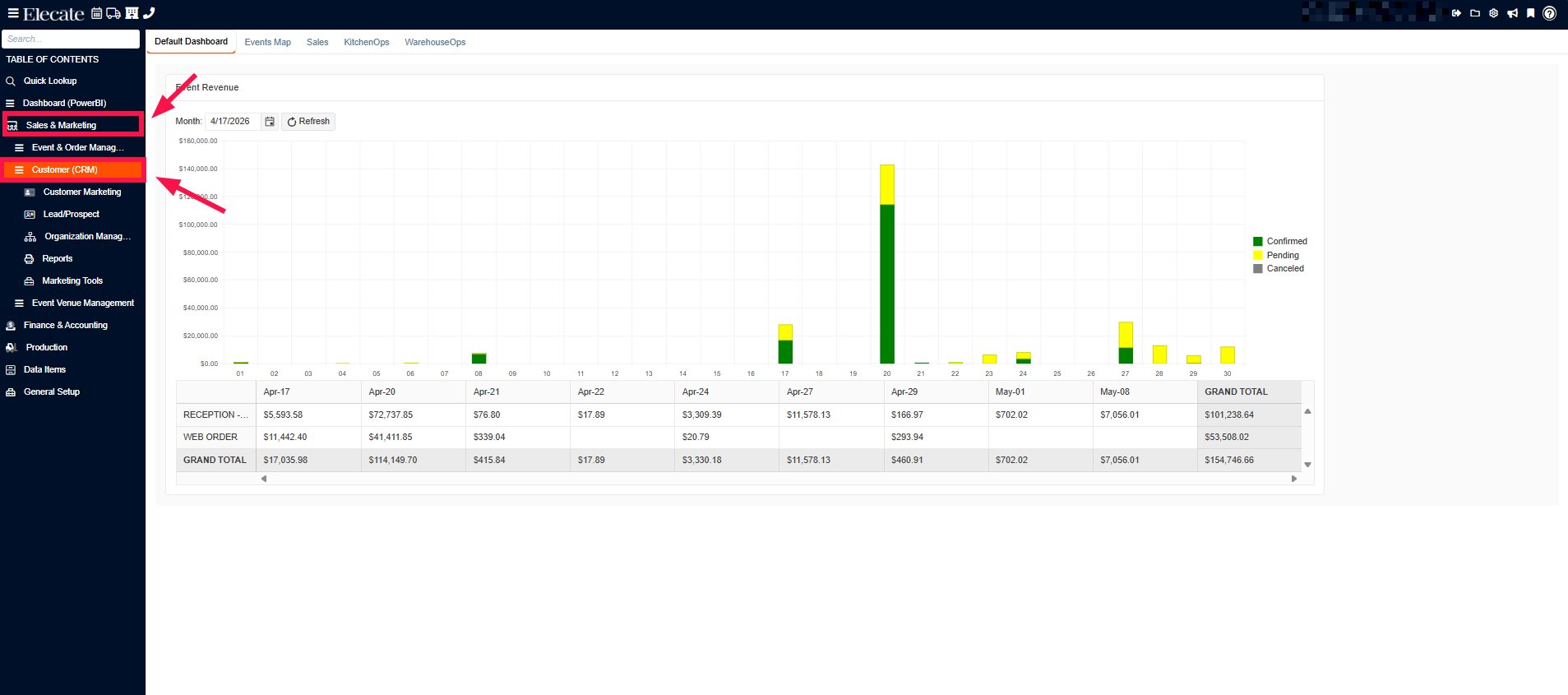
1. On the left side panel, click on Sales & Marketing
2. Select Customer (CRM)
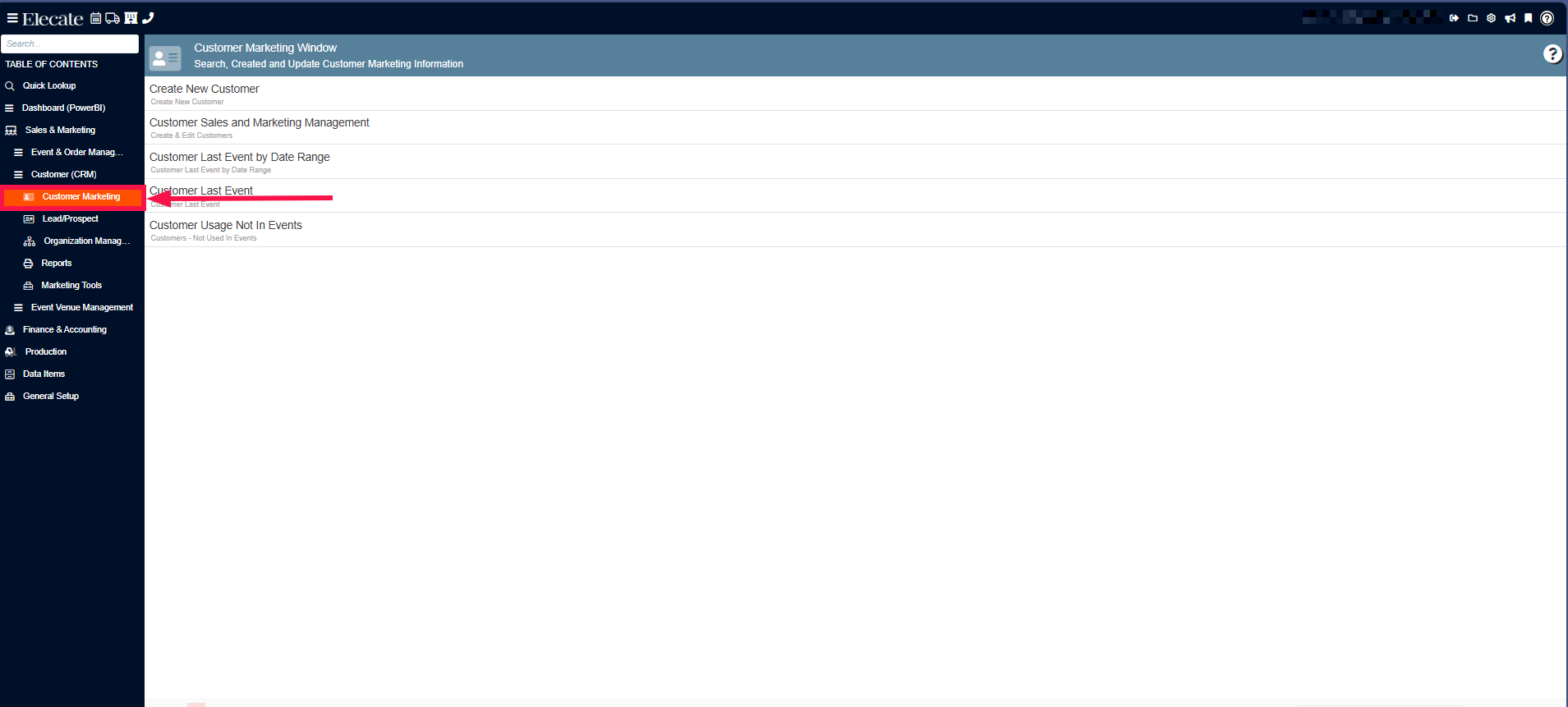
3.Choose Customer Marketing
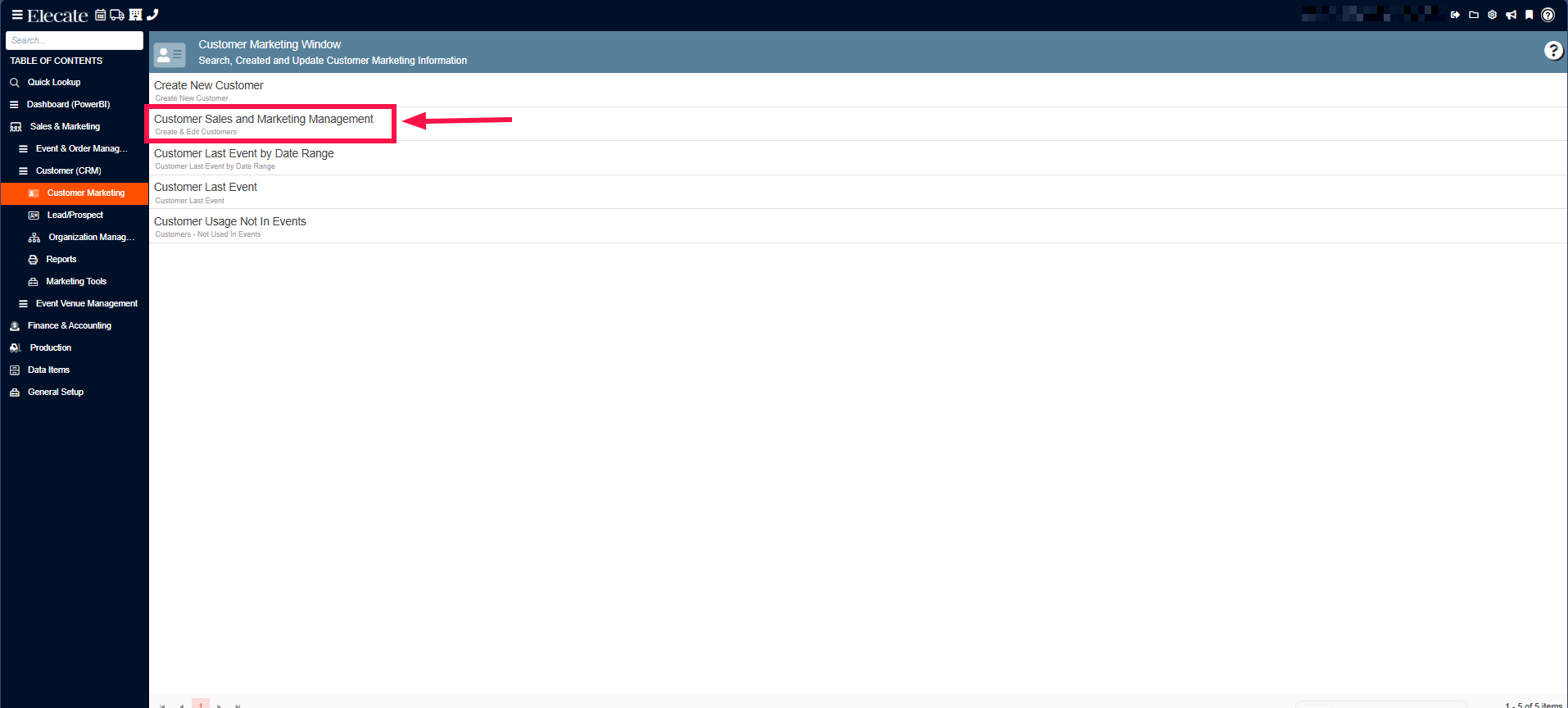
4. Click on Customer Sales and Marketing Management
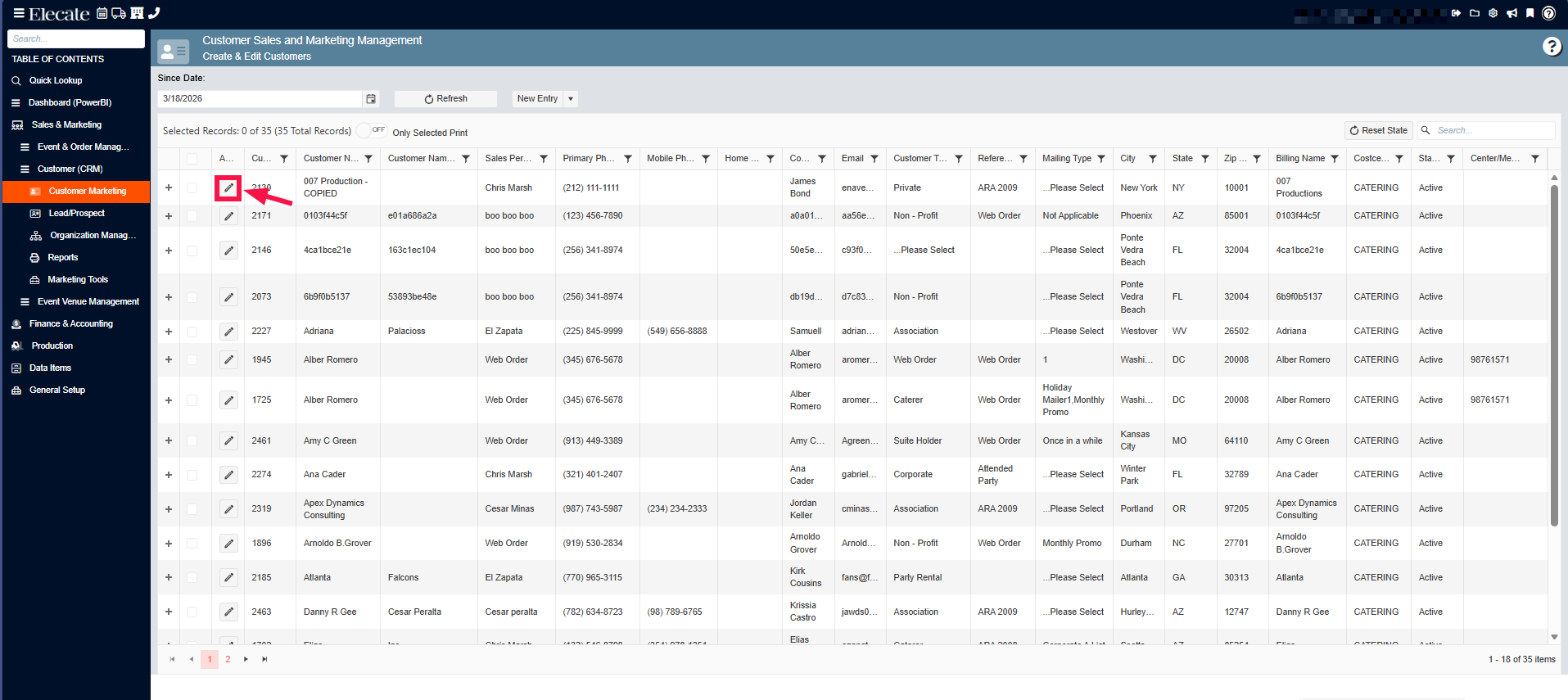
5. Open an existing record
6. Go to the Additional Info Tab and turn ON the Customer Web toggle
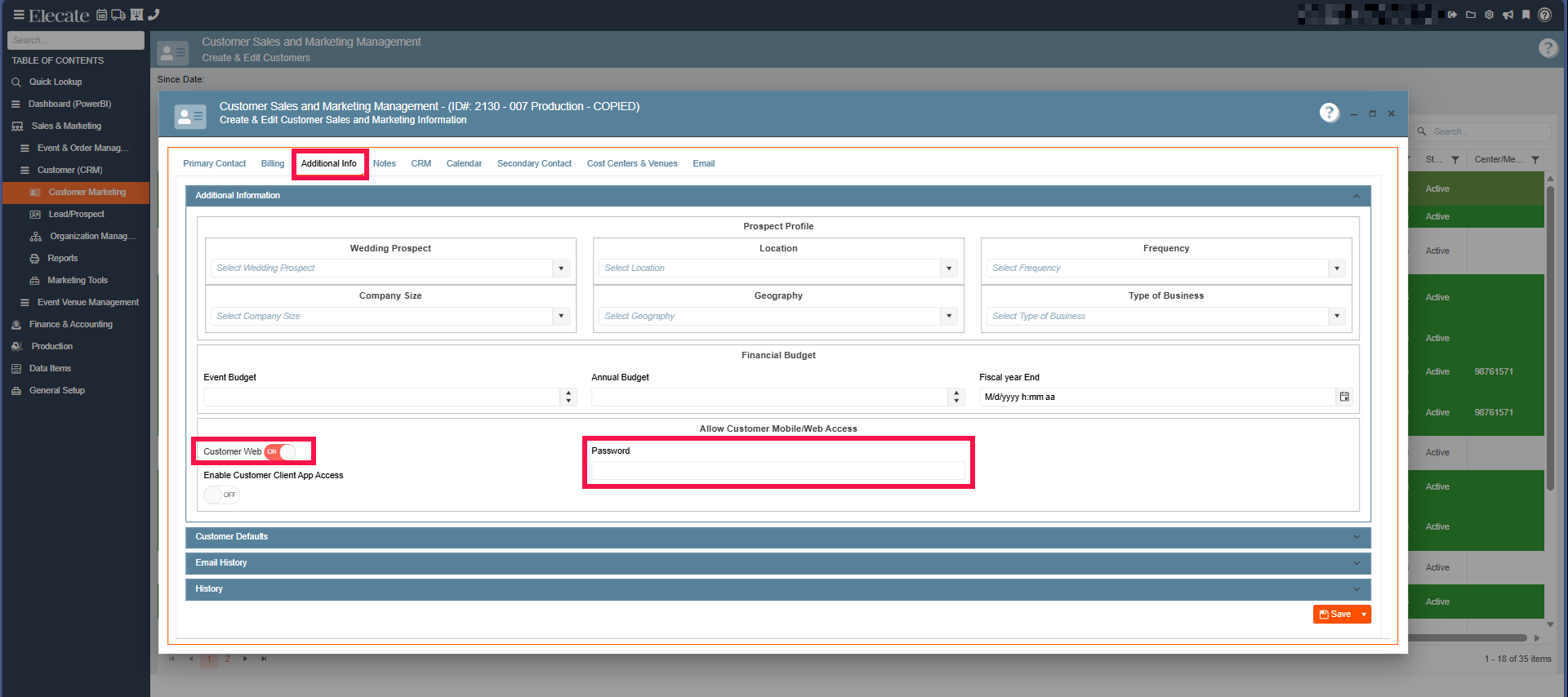 To give a customer web access, create a password and password key for them.
When you are finished, click [Close].