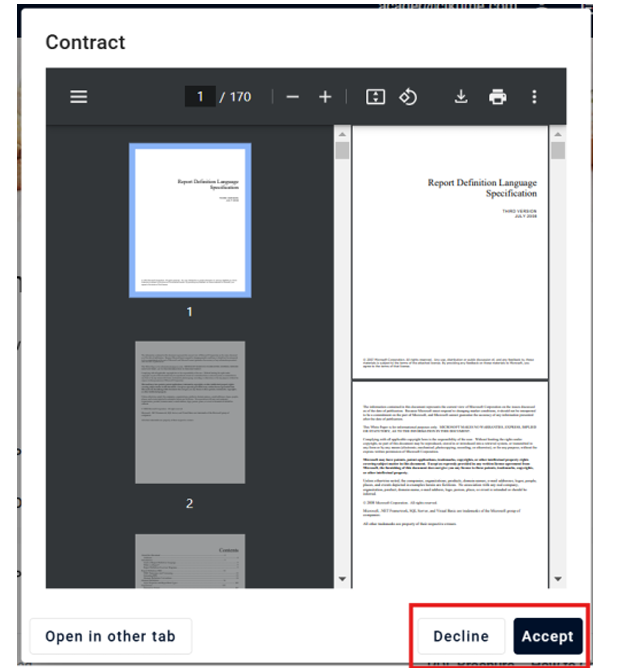
An order will be automatically moved to confirmed state after the customer signs the contract. To view and/or accept the contract go to.
1. Click on the Order History Icon located on the top right corner
2. Click on the View Order Icon or Edit/Pay Order Icon located on the Actions column
3. Click on the Contract Icon