A/R Event Date Reporting provides Accounts Receivable reporting based on event dates within a selected reporting period. It allows finance teams to review outstanding receivables, analyze customer balances, track unpaid invoices, and generate reports for collections, financial review, and management reporting. Proper use of this report improves visibility into outstanding revenue and supports effective accounts receivable management.
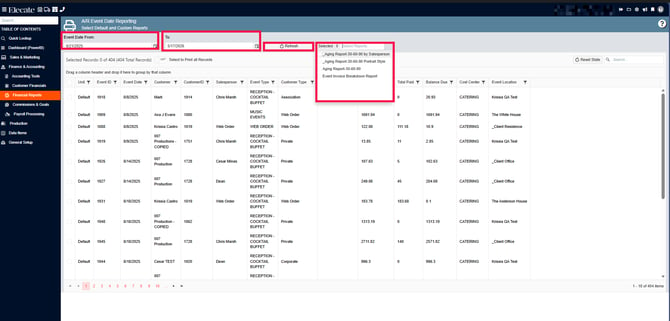
The A/R Event Date Reporting screen allows users to:
- Define a reporting date range
- Refresh report data
- Select a specific Accounts Receivable report
- Sort report records
- Filter report records
- Search report records
- Print selected report data
To see the A/R Event Date Reporting:
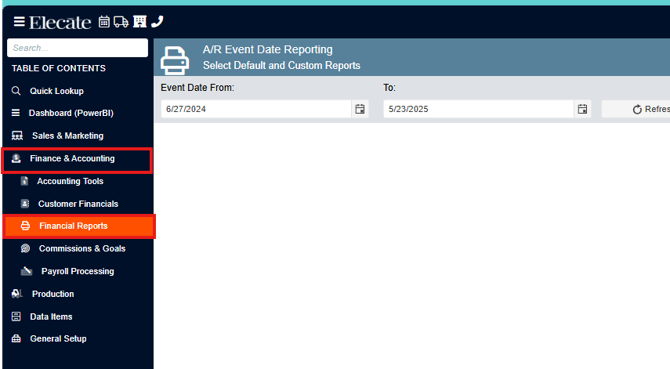
1. On the side panel go to Finance & Accounting
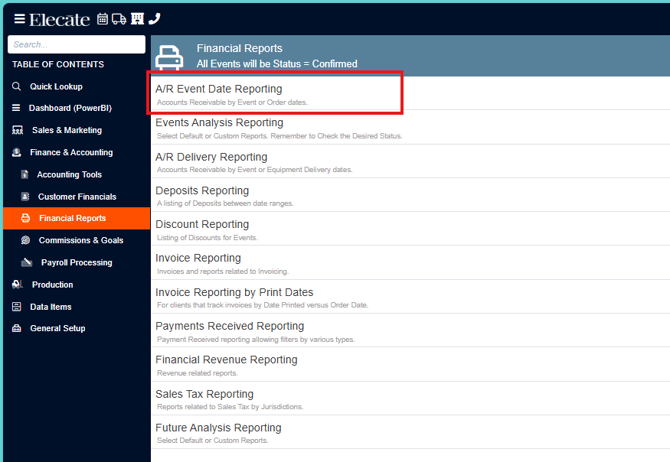
2. Select Financial Reports
3. Choose A/R Event Date Reporting
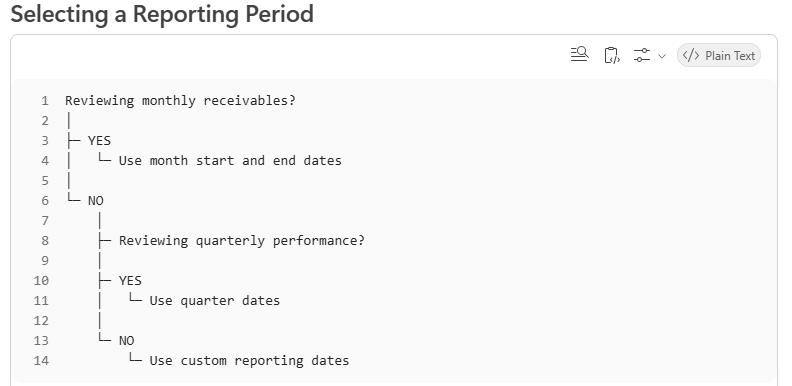
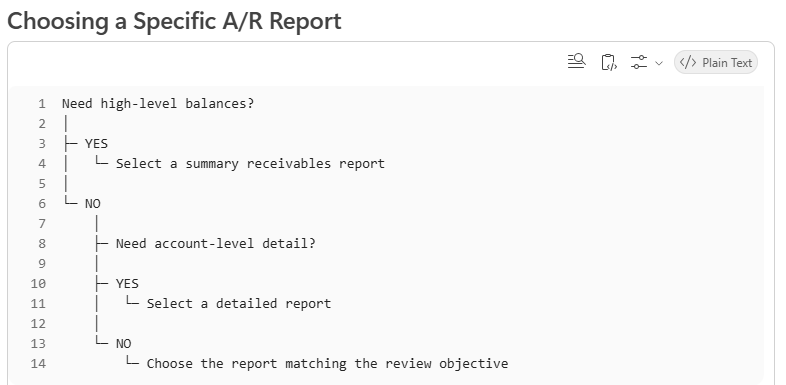
4. On the window below, you can set your date range for Accounts Receivable Report processing and click [Refresh]. From the dropdown menu (see below), you will then choose a more specific report.
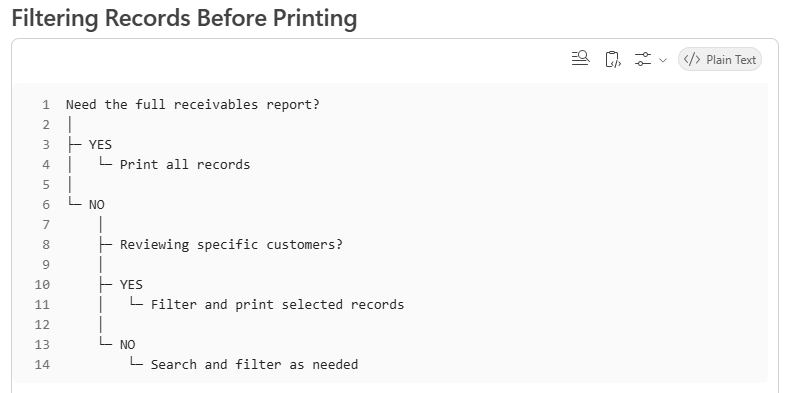
Sort, filter, or search for the records you would like reporting information on and then click [Print Selected].