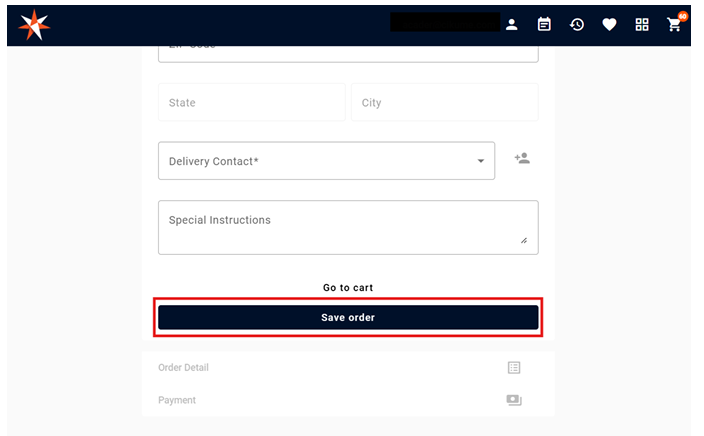
Select Event Date - Time:
To view the products available for your event you must first choose your Delivery/Pickup date and time.
1. Click on the Calendar Icon on the upper right corner
2. Select Delivery or Pick Up
3. Choose the event date
4. Choose the time you want to receive/pick up your order
5. Click Save
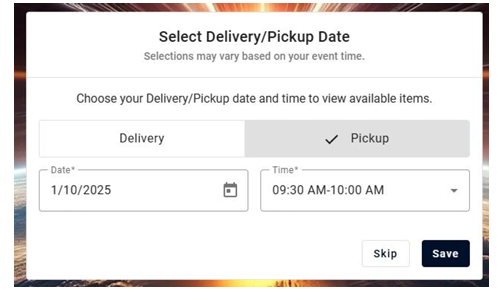
View Products:
After selecting the date and time you will be redirected to the available products, but if you move to a different window, you can go back to the available products by clicking on the four squares on the top right corner.
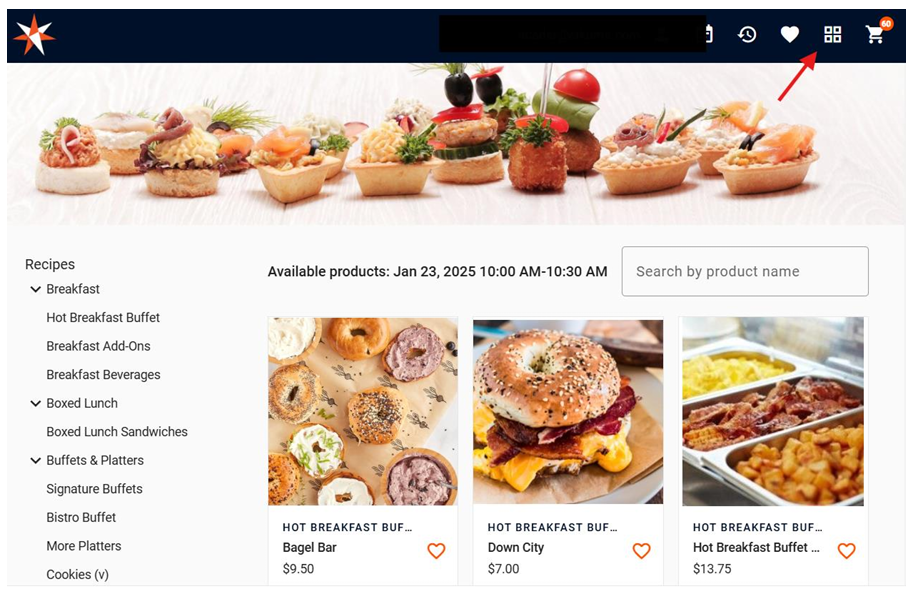
View Cart:
To view the products, you have added to the cart click on the cart icon on the upper right corner.
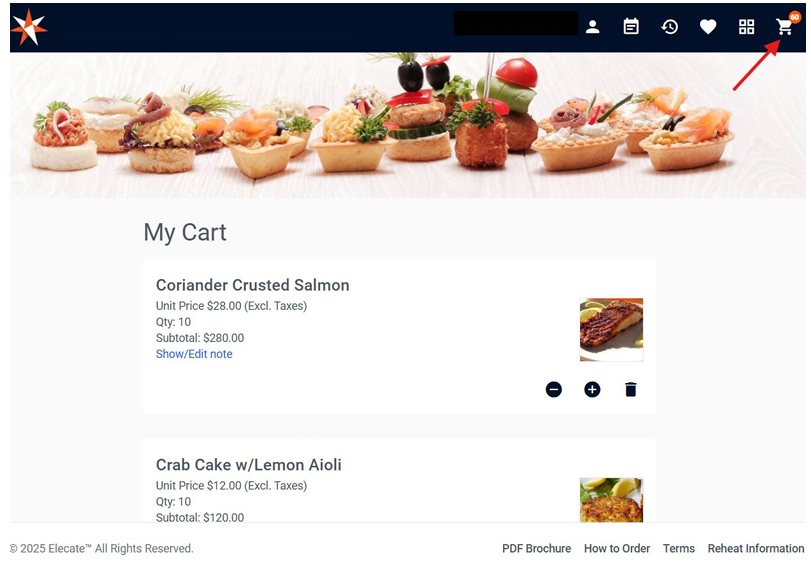
Save an Order:
To save an order for later, from the cart continue to the check out and click on Save Order.