
When adding an Equipment Package to an event, the behavior of item deletion depends on the Prevent Equipment Package Changes setting in Legacy Settings.
How to Check the Legacy Setting for Equipment Packages
- Click the Gear icon in the upper-right corner of the screen.
- Search for and select Legacy Settings.
- Open the Equipment Options tab.
- Locate the Prevent Equipment Package Changes toggle and verify whether it is On or Off.
How the Setting Affects Equipment Packages
- Toggle ON: Users can remove individual equipment items from the package without affecting the rest of the package.
- Toggle OFF: Users cannot remove individual items from the package. If they attempt to delete an item, the system will remove the entire equipment package from the event.
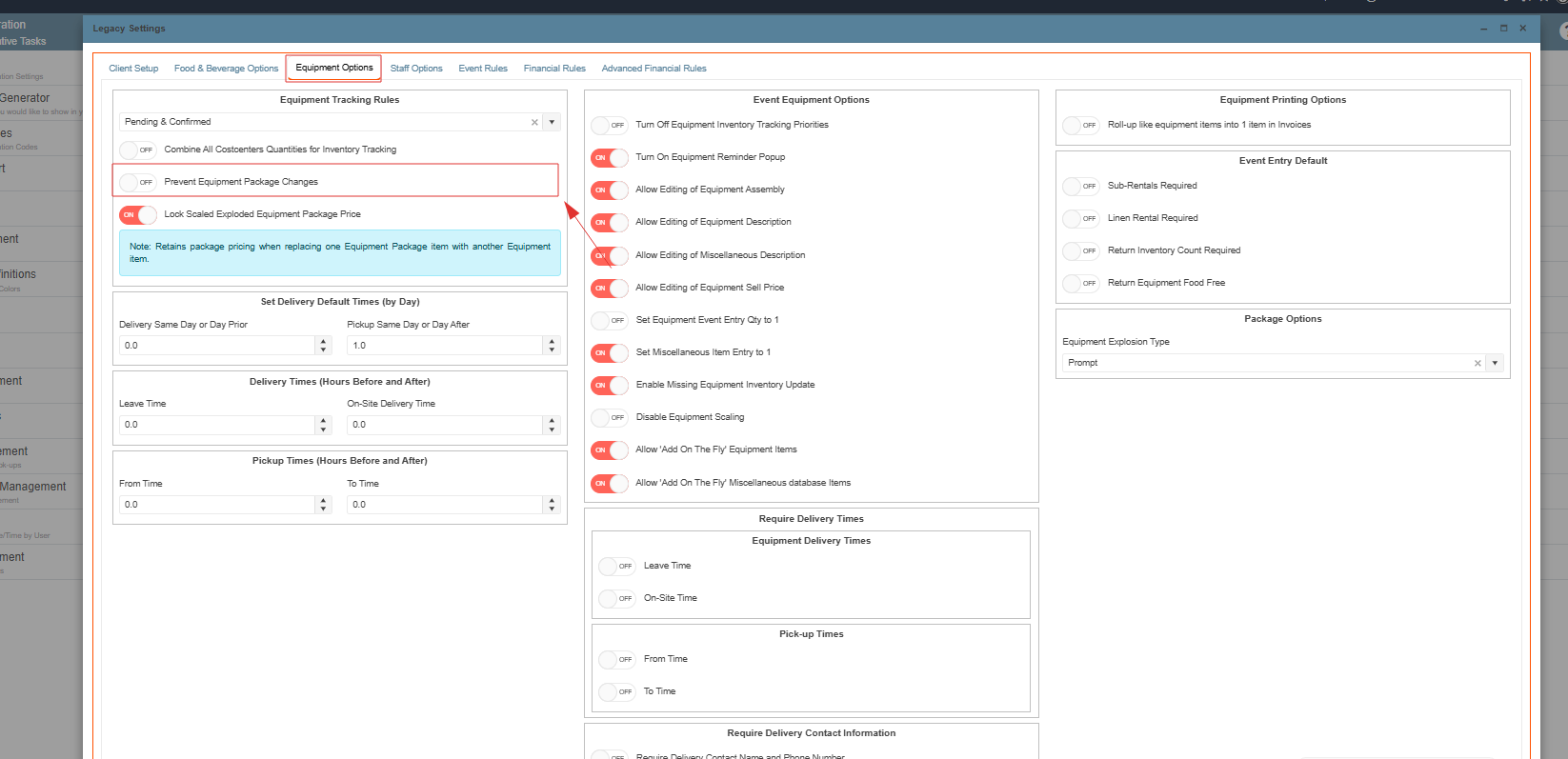
Note: If individual equipment items need to be removed from a package, ensure that the Prevent Equipment Package Changes setting is turned On before making changes.